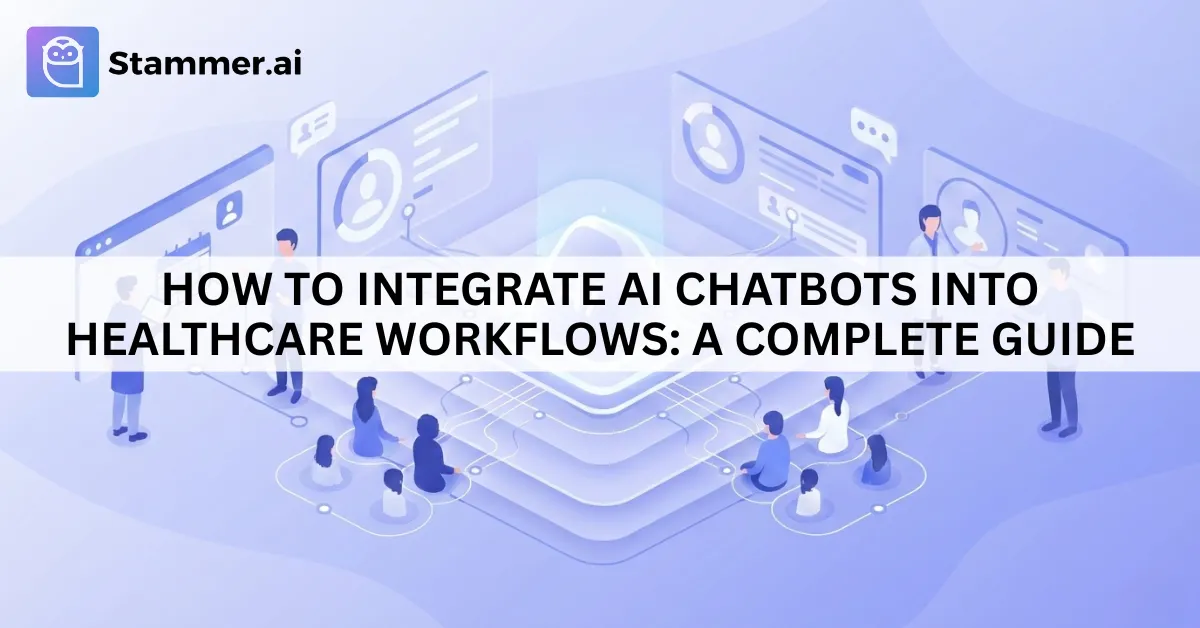
How to Integrate AI Chatbots into Healthcare Workflows: A Complete Guide
As a healthcare institution, you've likely received numerous complaints from patients struggling with appointment bookings, waiting for basic advice, or not knowing which specialist to consult. These frustrations highlight inefficiencies in healthcare workflows.
AI chatbots can address these challenges by automating routine tasks, providing instant responses, and enhancing patient engagement. The purpose of this article is to guide healthcare providers through the process of integrating AI chatbots into their existing workflows using Stammer AI.
Understanding Healthcare Workflows and the Need for AI Chatbots
In any healthcare facility, there’s a lot happening behind the scenes to ensure that patients get the care they need. These healthcare workflows keep everything running smoothly. From the moment a patient steps into the door or books an appointment, there’s a chain of tasks that follow:
Patient Intake: Gathering key details like medical history, symptoms, and contact information.
Scheduling and Appointments: Coordinating when patients will see a doctor, making sure no one double-books, and sending reminders so patients don’t miss their appointments.
Clinical Interactions: The actual consultations, treatments, and follow-up care between doctors and patients.
Administrative Tasks: Things like billing, insurance claims, and managing patient records.
These processes are vital, but they can get overwhelming, especially in a busy healthcare environment.
How AI Chatbots Improve Healthcare Workflows
AI chatbots can help streamline these workflows by automating several routine tasks. Here’s how:
Appointment Scheduling: Chatbots can handle the booking, rescheduling, and reminders, making the process quicker and more reliable.
Answering FAQs: Many common questions, such as office hours or insurance details, can be answered by a chatbot, which helps reduce the strain on staff.
Patient Intake: Chatbots can gather basic patient information before the appointment, speeding up the check-in process and reducing wait times.
Post-Visit Follow-Ups: After an appointment, chatbots can send follow-up messages to check on patient recovery or remind them about their medications.
By handling these tasks, AI chatbots make healthcare workflows efficient, allowing staff to focus more on patient care and less on administrative work.
Step-by-Step Guide to Implementing Stammer AI in Healthcare Workflows
Step 1: Identify Key Use Cases
Before implementing Stammer AI in your healthcare facility, it’s important to identify the specific areas where AI chatbots can deliver the most value. Look at the everyday tasks that take up your staff’s time. These are often prime opportunities for automation. Some common use cases are already discussed in the previous section.
Step 2: Customize the Stammer AI Chatbot for Healthcare Applications
Stammer AI is highly customizable, letting you design the chatbot’s functions to meet your unique healthcare needs. The system allows for customization of patient interaction scripts, intake forms, and even clinical responses.

Text & Files: Under the Text tab, you can input specific responses or patient questions, while the Files tab can be used to upload important documents, such as intake forms, that the chatbot can access and present to patients.
Q/A: The Q/A feature is useful for setting up a repository of frequently asked medical questions and their corresponding answers. You can use this to program the chatbot to handle patient inquiries about symptoms, treatments, or general health advice.
Step 3: Integrate Stammer AI with Healthcare Systems
Stammer AI integrates smoothly with healthcare systems including Electronic Health Records (EHR) and scheduling software. This enables efficient data exchange, real-time updates, and accurate patient information.
Stammer AI allows integration through Functions, where you can configure custom API endpoints. For example, you can create a custom function to pull patient information from the EHR system or send appointment updates directly to the scheduling platform.
Custom Functions can be easily configured through Stammer AI’s interface. You can define the function by setting a Function Alias, adding the Function Value (URL) where the API endpoint is located, and writing Prompt Instructions for the chatbot to know when and how to use the function.
The Parameters section allows you to specify what data needs to be passed along, like patient IDs, appointment details, or medical history. You can also add static parameters (default values) that might be required by the healthcare system.
Workflow Automation
Once these integrations are set up, the chatbot can handle a wide range of tasks automatically:
Appointment confirmations can be sent directly to patients’ calendars.
Post-visit follow-ups can trigger reminders or send feedback surveys automatically to patients, helping reduce manual intervention.
With Stammer AI’s Integrations feature, the chatbot can be deployed on websites or through Meta (Facebook) using simple embed codes. Chatbot can be made available across multiple platforms for patient interactions.
Step 4: Test the Chatbot in a Healthcare Environment
Before full deployment, it’s essential to pilot test the chatbot in a real-world setting. Start by testing it in a specific department, such as appointment scheduling or patient intake. This allows you to:
Assess accuracy: Ensure the chatbot correctly handles patient queries and tasks.
Evaluate user-friendliness: Test whether patients find the chatbot easy to interact with.
Ensure system integration: Make sure the chatbot integrates seamlessly with your EHR, scheduling, and other systems.
Gather feedback from staff and patients to identify any improvements or adjustments needed.
Step 5: Rollout and Monitor Performance
Once you’ve fine-tuned the chatbot based on the pilot test, you can proceed with full deployment across your healthcare facility. This could involve rolling it out department by department or making it available facility-wide.
After deployment, it’s important to monitor key performance metrics, including:
Response times: Are patients getting timely answers to their questions?
User satisfaction: Are patients and staff satisfied with the chatbot experience?
Operational improvements: Are staff workloads reduced, and are workflows more efficient?
Stammer AI provides analytics tools that allow you to track these metrics and make data-driven decisions for ongoing optimization.
Voice Agents for Healthcare
Healthcare institutions now also have the luxury to use AI voice agents alongside chatbots to improve patient communication and streamline operations. Stammer AI’s voice agents handle both inbound and outbound calls efficiently in healthcare settings.
For inbound calls, voice agents instantly respond to patient inquiries, such as appointment details and office hours, while automatically collecting necessary patient information. This reduces the workload on staff and ensures no calls are missed. The system also emails transcripts for easy record-keeping.
For outbound calls, voice agents proactively follow up with patients, confirm appointments, and send reminders, reducing no-shows and helping patients stay on track. The system tracks campaign results, allowing healthcare providers to monitor patient outreach efforts and improve engagement.
Conclusion
Stammer AI helps healthcare organizations improve their operations and better serve patients. With its AI-powered chatbots and voice agents, healthcare providers can make processes efficient and offer a better experience for patients. As technology continues to change the healthcare industry, Stammer AI makes it easier for healthcare teams to keep up and deliver quality care.