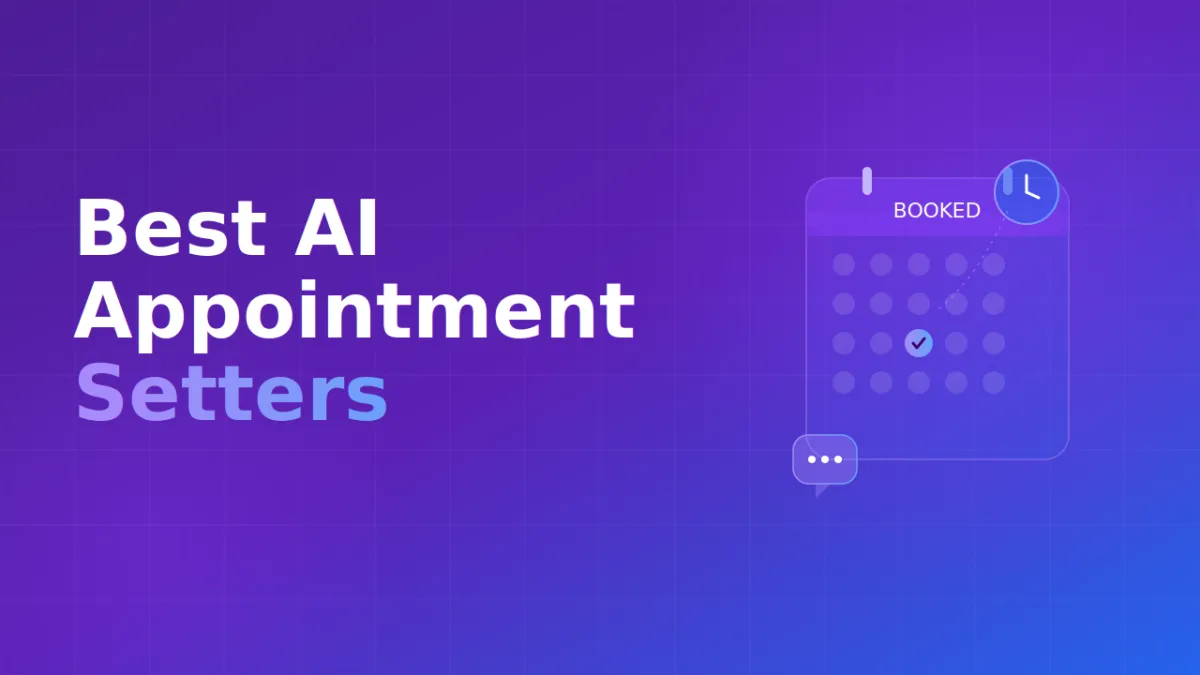
10 Best AI Appointment Setter Tools in 2026: Compared by Use Case
A potential customer calls a dental office during lunch, but everyone at the front desk is helping patients. Across town, a homeowner calls an HVAC company after closing time hoping to schedule a service visit for tomorrow. Meanwhile, a sales team has dozens of leads waiting for follow-up, but representatives are spending hours calling people who never answer.
All three businesses could benefit from an AI appointment setter. They probably should not use the same one.
That is what makes choosing the best AI appointment setter more complicated than comparing feature lists. Some platforms are essentially AI receptionists that answer calls and book appointments. Others qualify leads, follow up through several channels, or give technical teams the infrastructure to create custom voice workflows.
Agencies have another set of requirements entirely. They may need white-label branding, separate client environments, centralized management, and usage controls.
This guide compares 10 AI appointment setting platforms based on what they are actually designed to do, who they fit best, their deployment model, appointment-setting capabilities, and pricing structure.
Quick Answer: Best AI Appointment Setters by Use Case
What Is an AI Appointment Setter?
An AI appointment setter is software that handles conversations leading to a scheduled meeting, consultation, demo, service visit, or other appointment.
Depending on the platform, the AI may answer an inbound phone call, make an outbound call, identify why the prospect is contacting the business, collect qualifying information, check availability, transfer the caller, send follow-up messages, or create an appointment.
That makes an AI appointment setter different from a simple contact form or scheduling link. The more capable systems actively participate in moving a prospect toward a booking. For example, an HVAC company could use an AI phone agent to determine the type of repair required, collect the caller's location, identify the appropriate service category, and then offer an available appointment.
For a sales organization, the same technology could qualify a prospect before allowing that person to schedule a demo.
The Four Main Types of AI Appointment Setters
Understanding the major deployment models makes comparing products much easier.
Turnkey AI Receptionists
Turnkey AI receptionists are designed for businesses that want automated call handling without building a voice application themselves. The business generally provides information about its services, defines how calls should be handled, connects its scheduling tools, and establishes transfer or escalation rules. These systems work particularly well for local service businesses, professional offices, small teams, and companies that mainly need help answering inbound calls.
Lead Qualification and Revenue Agents
Revenue-focused AI agents do more than answer the telephone. They can ask qualification questions, follow up with leads, synchronize information with a CRM, and continue conversations across channels such as voice, SMS and email. These products make more sense when booking an appointment is one stage of a longer sales process.
Agency and Multi-Client Platforms
Agencies selling AI appointment setting services need capabilities that an individual dental office or HVAC business may never use. Requirements can include white-label SaaS branding, client subaccounts, centralized agent management, usage controls, multiple deployments, and the ability to resell AI services.
Developer Voice AI Platforms
Developer platforms provide infrastructure rather than a finished receptionist. Technical teams can determine how conversations work, connect APIs, retrieve external data, create conditional logic, and decide exactly how information moves between the AI and existing business systems. This approach provides greater flexibility but usually requires more technical resources.
How We Compared the Best AI Appointment Setter Tools
We evaluated each product based on the factors that matter most when choosing an AI appointment-setting platform.
We first looked at each product’s primary deployment model. A ready-to-use AI receptionist serves a different purpose than programmable voice infrastructure, so we evaluated each according to its intended use.
We also considered appointment scheduling and lead qualification. The comparison looks at whether a platform simply directs prospects to a booking page or can actively qualify leads and manage more complex booking workflows.
Other evaluation factors included:
Inbound and outbound communication
CRM and calendar integrations
SMS and other communication channels
Live call transfers
Customization options
Agency and white-label features
Technical requirements
Pricing and billing structure
Pricing requires special attention because providers use different billing models. Some charge a monthly subscription, while others bill by the minute or call. Some combine a platform fee with usage-based charges.
Best AI Appointment Setters Compared
1. Stammer AI
Best for: Agencies deploying AI agents for multiple clients
Deployment type: White-label voice and chat AI platform
Pricing: Standard plan from $49/month, plus applicable usage
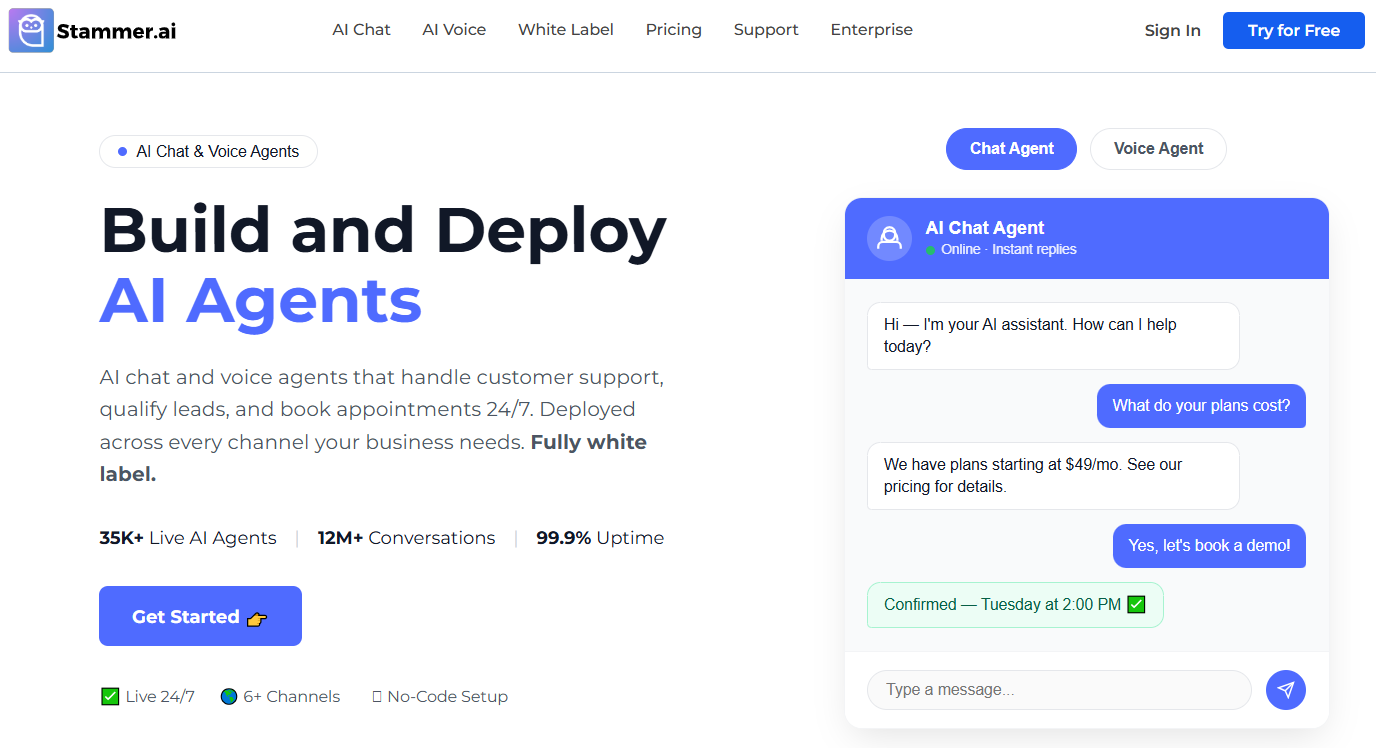
Stammer AI approaches appointment setting from an agency perspective. Its platform allows agencies to build and manage AI chat and voice agents and offer those services under their own branding.
Its voice agents can handle inbound and outbound calls, qualify leads, book appointments, and transfer conversations to humans when required. Chat agents can also support customer questions, lead capture, and scheduling.
The major differentiator is the business model around the technology. Agencies can create multiple agents, manage clients, customize branding, and control how AI services are packaged and sold.
The Standard plan is currently listed at $49 per month and includes 1 AI chat agent and 1 AI voice agent with 500 chat replies and 120 voice minutes per month. The Pro plan which allows agencies to white label and resell agents to their customers starts at $99 per month and includes 5+ chat agents and 5+ voice agents with the ability to resell AI usage for both chat and voice models.
Pros
Designed specifically around agencies and multi-client deployments
Fully white-label dashboard and API
Supports both voice and chat agents
Inbound and outbound voice capabilities
Automated lead qualification and appointment booking
Cons
More platform than a single small business may require
Usage costs need to be considered alongside the monthly subscription
For agencies planning to sell AI appointment setting as a recurring service, the multi-client and white-label structure is the main reason to consider Stammer AI.
2. Smith.ai
Best for: Professional services and businesses that value escalation options
Deployment type: AI receptionist
Pricing: Free tier available; Pro from $150/month
Smith.ai's AI Receptionist is designed to answer calls, qualify leads, route inquiries, and schedule appointments.
Its current AI offering includes 24/7 answering, call recording, transcription, summaries, lead qualification, call routing, scheduling, and integrations with platforms such as Calendly, Clio, and Zapier.
Smith.ai also operates human receptionist services, making the company particularly relevant to businesses evaluating where AI should end and human involvement should begin.
The AI Receptionist currently offers a free tier with 25 calls per month. Its Pro plan starts at $150 per month for 75 calls, with higher-volume options available.
Pros
Strong fit for professional-service call handling
Lead qualification and appointment scheduling
Integrations with business and scheduling applications
AI and human receptionist services available from the same provider
Free tier provides a low-risk way to test the AI service
Cons
Per-call pricing can become important at higher volumes
Less suited to teams wanting complete developer-level control over every workflow
Smith.ai is particularly worth considering when call handling involves more than simply placing an appointment on a calendar.
3. Goodcall
Best for: Small and growing businesses with significant inbound call volume
Deployment type: AI phone agent
Pricing: From $79/month per agent
Goodcall focuses on businesses that want an AI phone agent without turning implementation into a development project.
The system can answer inbound calls, capture caller information, apply configurable logic, route conversations, and support appointment scheduling. Businesses can create logic flows that determine how different types of calls should be handled.
That makes it particularly relevant for service businesses where missed phone calls translate directly into missed opportunities.
Goodcall currently lists Starter at $79 per month per agent, Growth at $129, and Scale at $249. The plans include unlimited minutes and tokens but differ in logic flows, team capacity, customer limits, and other capabilities.
Pros
Straightforward no-code approach
Designed around inbound business calls
Configurable call logic
Appointment scheduling support
Predictable subscription structure rather than per-minute billing
Cons
Primarily centered on phone-based customer interactions
Less flexible than developer infrastructure for highly specialized workflows
Goodcall makes the most sense when the core problem is simple: customers are calling, employees cannot always answer, and the business wants those calls handled consistently.
4. Retell AI
Best for: Developers and technical organizations
Deployment type: Programmable voice and chat AI platform
Pricing: Pay-as-you-go; voice approximately $0.07–$0.31/minute depending on configuration
Retell AI provides infrastructure for organizations that want to design their own conversational workflows.
Technical teams can create inbound and outbound voice agents, use APIs and webhooks, connect outside applications, configure transfers, and build workflows around business-specific requirements. Chat agents and SMS functionality can extend interactions beyond the initial phone call.
For appointment setting, this becomes useful when booking depends on several systems or decisions.
An agent could collect information from a caller, query an external database, apply qualification rules, determine the appropriate location or employee, and then create the next step.
Retell currently uses pay-as-you-go pricing, with AI voice agents generally ranging from $0.07 to $0.31 per minute depending on the configuration. It also lists separate pricing for chat messages, SMS, telephony, phone numbers, and optional features.
Pros
Highly customizable
Inbound and outbound voice support
APIs and webhooks for external workflows
Usage-based pricing with no large entry commitment
Suitable for sophisticated appointment logic
Cons
Requires more technical involvement than a turnkey receptionist
Final per-minute cost depends on the selected stack and add-ons
Retell is most attractive when the company wants to build an appointment-setting system rather than simply subscribe to one.
5. My AI Front Desk
Best for: Small businesses wanting voice, chat, SMS and CRM functionality together
Deployment type: AI front-office platform
Pricing: Business-in-a-Box from $99/month
My AI Front Desk takes a broader approach than a voice-only receptionist.
Its Business-in-a-Box plan combines AI phone calls with chat, SMS, CRM functionality, and automation. That allows a business to capture an inquiry and continue working with the contact after the initial conversation.
For example, a prospect might call a service company but decide not to book immediately. Rather than ending the workflow with a call summary, the business can keep the lead connected to follow-up processes.
The current Business-in-a-Box plan costs $99 per month when billed monthly and includes 200 voice minutes alongside chatbot conversations, SMS, CRM, and automation functionality. Partner and Enterprise pricing is customized.
Pros
Voice, SMS, chat and CRM in one environment
Useful for small businesses wanting broader automation
Can continue engagement after the initial call
Lower technical barrier than developer platforms
Cons
Businesses with an established CRM stack may duplicate functionality
Included voice usage may require careful cost evaluation at higher volumes
It is a stronger fit for businesses wanting a broader front-office system rather than an isolated AI answering tool.
6. Dialzara
Best for: Small businesses seeking affordable 24/7 call handling
Deployment type: AI receptionist
Pricing: From $29/month
Dialzara provides one of the lower public entry prices among the platforms in this comparison.
Its AI receptionist can answer calls around the clock, take messages, transfer callers, and support appointment scheduling. Integrations through services such as Zapier and Make allow information collected during calls to move into other business systems.
The Business Lite plan currently starts at $29 per month with 60 minutes included. Business Pro is $99 per month with 220 minutes, while higher tiers add more usage and advanced features such as warm transfers, multi-agent setups, and API access. Outbound voice, SMS, and website chat are offered separately.
Pros
Low starting price
24/7 inbound call coverage
Appointment scheduling
Zapier and Make integrations
Higher plans support warm transfers
Cons
Included minutes vary significantly by tier
Additional channels can add separate costs
Dialzara is a practical option for smaller businesses that want to start with basic AI call handling without committing to a more complex platform.
7. Synthflow
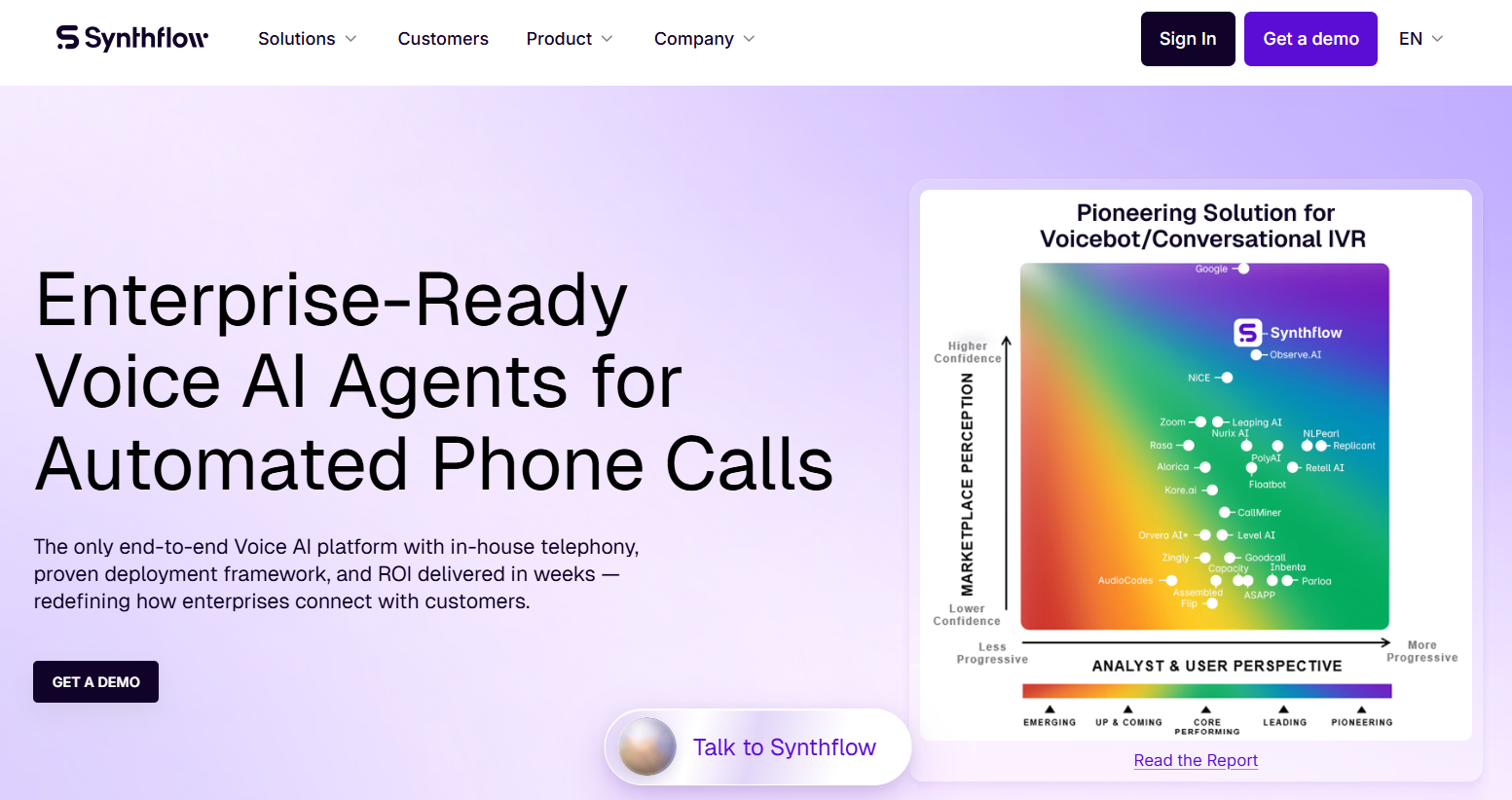
Best for: Enterprises with complex voice workflows
Deployment type: Enterprise voice AI platform
Pricing: Enterprise contracts currently start at $30,000 annually
Synthflow is aimed at organizations that need more sophisticated voice automation than a simple virtual receptionist.
Its enterprise offering supports routing, escalation paths, handoffs, fallback logic, telephony configurations, and connections to CRM, calendar, contact-center, API, webhook, and knowledge systems.
This becomes valuable when appointment setting sits inside a more complicated customer journey.
For example, an organization may need to identify why a caller is contacting it, retrieve account information, apply routing rules, decide whether the caller is eligible for a particular appointment, and escalate certain situations.
Synthflow's current enterprise contracts start at $30,000 annually, with final pricing depending on factors including volume, concurrency, telephony, integrations, security requirements, and implementation support.
Pros
Built for sophisticated voice workflows
CRM, calendar, API and webhook connectivity
Advanced routing and escalation capabilities
Enterprise support and deployment options
Cons
Significantly higher entry cost than SMB receptionist tools
Unnecessary complexity for businesses needing only basic call answering
Synthflow makes more sense as call automation becomes an operational system rather than a simple receptionist replacement.
8. Rosie
Best for: Solo business owners and small businesses
Deployment type: AI receptionist
Pricing: From $49/month
Rosie is designed for small businesses that want dependable phone coverage without building complicated workflows.
Its Professional plan provides 24/7 AI answering, 250 monthly minutes, appointment-link texting, spam detection, and a website chat widget. Rosie also supports English and Spanish calls.
The Scale plan, currently $149 per month, increases usage to 1,000 minutes and adds direct calendar booking, warm transfers, live transfers, and the ability to send texts during calls.
The Growth tier costs $299 per month and provides 2,000 minutes along with additional routing, training, onboarding, and support capabilities.
Pros
Simple entry point for small businesses
English and Spanish call handling
24/7 availability
Direct calendar booking on higher tiers
Warm and live transfers available on Scale and above
Cons
Direct calendar booking is not included in the entry-level tier
Less suitable for highly customized developer workflows
Rosie is particularly appealing to small businesses that want to improve call coverage without turning AI implementation into another technical project.
9. Thoughtly
Best for: Revenue operations, inbound lead conversion and multichannel follow-up
Deployment type: AI revenue agents
Pricing: From $500/month
Thoughtly differs from basic AI receptionists because it is positioned around revenue workflows.
Its agents operate across voice, SMS, and email, allowing conversations to continue after the initial interaction. Its current plans include multi-step workflows, integrations, REST API access, and two-way CRM synchronization with platforms including HubSpot, Salesforce, and Zoho.
This matters when the objective is not merely to answer a phone call.
A lead may need qualification before being offered a meeting. Another may not respond to the first interaction. Others may need additional follow-up before they become ready to schedule.
Thoughtly's Flex plan currently starts at $500 per month. Scale and Enterprise plans use tailored pricing, with additional capabilities for larger or regulated organizations.
Pros
Voice, SMS and email in the same platform
Strong focus on lead conversion
Two-way CRM synchronization
Inbound and outbound voice agents
Multi-step workflows
Cons
Higher starting price than basic AI receptionist products
Overkill for businesses that only need inbound call answering
Thoughtly is a stronger candidate when appointment setting belongs to a sales pipeline rather than a simple reception workflow.
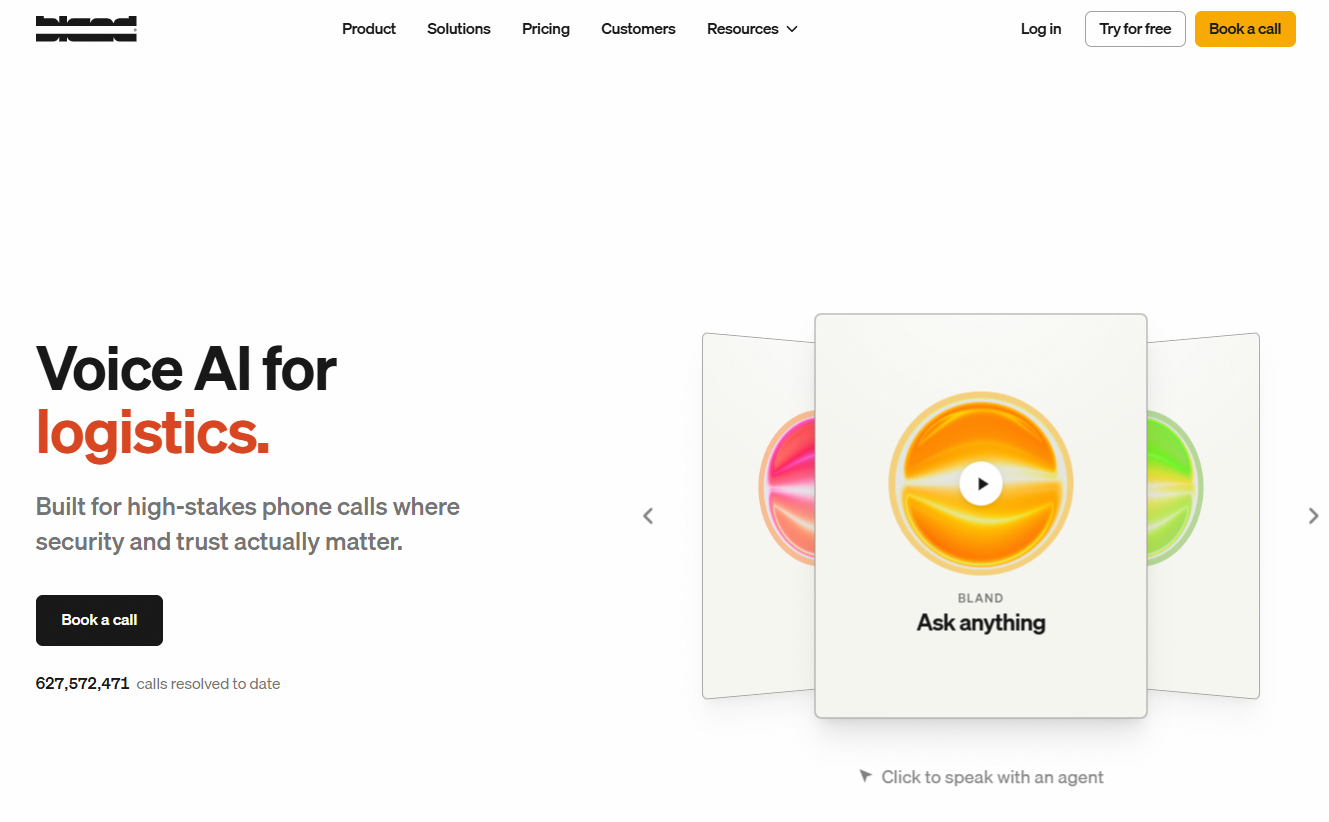
10. Bland AI
Best for: Developers building sophisticated automated call flows
Deployment type: Programmable voice AI platform
Pricing: Start tier from $0.14 per connected minute
Bland AI provides infrastructure for organizations that want detailed control over automated calls.
Its Conversational Pathways can direct conversations down different routes according to the caller's responses. External data and integrations can also be incorporated into workflows.
For appointment setting, that allows teams to create processes where booking depends on several stages, such as collecting customer details, checking eligibility, retrieving information, applying routing logic, or communicating with another business system.
Bland's current Start tier has no platform fee and charges $0.14 per connected minute. Build costs $299 per month plus $0.12 per minute, while Scale costs $499 per month plus $0.11 per minute.
Pros
High degree of workflow control
Suitable for complex calling logic
API-driven approach
Scales from developer testing to higher-volume deployments
Cons
Requires technical resources
Platform fees and usage charges need to be calculated together on higher plans
Not as turnkey as an SMB AI receptionist
Bland AI makes the most sense when appointment booking is part of a custom automated calling system rather than the only job the AI needs to perform.
Questions to Answer Before Buying
Before selecting an AI appointment setter, a business should be able to answer these questions:
Does the AI need inbound calling, outbound calling, or both?
Should it qualify leads before offering appointments?
Does it create appointments directly or only send booking links?
Can it work with the existing calendar?
Does it need access to multiple calendars or locations?
Should it write structured information into a CRM?
Does the conversation continue through SMS, email, or chat?
Are live call transfers required?
What happens when the AI cannot resolve a conversation?
Are multilingual conversations required?
Are there privacy, recording, security, or industry-specific compliance requirements?
Is the software being used by one company or managed across several clients?
Does an agency require white-label branding?
Does the organization have developers available?
What will the real monthly cost be at normal call volume?
Frequently Asked Questions
What is the best AI appointment setter for small businesses?
The best choice depends on how the business receives appointments. Small businesses mainly trying to prevent missed inbound calls may prefer straightforward AI receptionist products such as Goodcall, Dialzara, or Rosie. Businesses needing broader SMS, CRM, and automation capabilities may consider platforms such as My AI Front Desk.
What is the best AI appointment setter for agencies?
Agencies should prioritize multi-client management, white-label branding, agent deployment, usage controls, and resale capabilities. Stammer AI is specifically structured around agencies building and selling white-label AI chat and voice agents, while some other platforms also provide agency or partner capabilities.
How much does an AI appointment setter cost?
Pricing varies substantially. Entry-level AI receptionist services can start below $50 per month, while advanced platforms may charge hundreds of dollars per month, usage-based fees, or enterprise contracts worth tens of thousands of dollars annually. Always calculate costs using expected call volume and required features.
Can an AI appointment setter make outbound calls?
Yes, some platforms support outbound calling. Retell AI, Stammer AI, Thoughtly, Bland AI, and other configurable systems can support outbound voice workflows. Some traditional AI receptionist products concentrate primarily on inbound calls, so outbound functionality should be checked separately.
Can AI appointment setters qualify leads before booking?
Yes. Many platforms can ask qualifying questions before offering an appointment. The complexity varies significantly. A local service business might only need the AI to confirm location and service type, while a sales organization may need several qualification questions, CRM updates, routing rules, and follow-up sequences.
Can an AI appointment setter integrate with Google Calendar?
Many appointment-setting platforms support Google Calendar or scheduling tools either directly or through third-party integrations. However, buyers should distinguish between sending a booking link and allowing the AI to read availability and create an appointment during the conversation.
Can an AI appointment setter connect to a CRM?
Many can. CRM functionality ranges from simple contact creation to two-way synchronization and custom API workflows. Before purchasing, identify exactly which fields need to be written to the CRM and what should happen after an appointment is booked.
Can AI appointment setters reschedule appointments?
Some platforms can support rescheduling when their calendar integrations and workflows provide the necessary access. The ability to create an appointment does not automatically mean the AI can find, modify, or cancel an existing booking, so this capability should be verified separately.
Do AI appointment setters replace human receptionists?
AI appointment setters can automate repetitive reception tasks such as answering routine questions, collecting information, qualifying inquiries, routing calls, and scheduling appointments. Businesses may still prefer human involvement for sensitive, unusual, complex, or high-value conversations. A strong implementation clearly defines when automation should hand the conversation to a person.
What is the difference between an AI receptionist and an AI appointment setter?
An AI receptionist generally handles a broader range of inbound communication, including answering questions, taking messages, routing calls, and scheduling. An AI appointment setter focuses more directly on moving prospects toward meetings or appointments, which can involve qualification and follow-up. Many modern platforms overlap across both categories.
Are AI appointment setters useful for agencies?
Yes, particularly when an agency sells AI automation to clients. Agencies should look beyond appointment booking itself and evaluate white-label capabilities, client subaccounts, centralized management, billing or usage controls, and the ability to deploy multiple agents efficiently.