Best No-Code AI Agent Builders in 2026: Compared by Use Case
Building an AI agent used to require technical skills, development time, and ongoing resources. Today, no-code platforms have made it possible for businesses and teams to create AI-powered solutions without starting from scratch.
The challenge is no longer only about building an AI agent. It is about choosing a platform that matches your actual needs. A company looking to automate customer conversations may need a different solution than an agency building AI services for clients or a team creating internal workflows.
With more AI agent builders entering the market, comparing platforms based on features alone can make the decision harder. The right choice depends on factors such as the type of tasks you want to automate, the level of customization you need, and how you plan to use the agent.
This guide compares the best no-code AI agent builders in 2026 by their main use cases, strengths, and the types of users they are designed for.
What Is a No-Code AI Agent Builder?
A no-code AI agent builder is a platform that allows users to create AI-powered assistants without writing code. Instead of developing an agent from the ground up, users can build workflows through visual tools, connect information sources, and set up actions through simple configuration.
These platforms are designed to make AI development more accessible for businesses, agencies, and teams that may not have dedicated developers. Users can create agents that answer questions, guide customers, automate tasks, or assist employees through AI customer support solutions.
A no-code AI agent usually works through a combination of business data, instructions, and connected applications. For example, a company can provide product information, connect its customer support tools, and create an agent that helps users find answers or complete basic requests.
The main components of a no-code AI agent builder usually include:
Visual builders: Interfaces that allow users to design conversations and workflows without programming.
Knowledge sources: Business documents, websites, databases, or other information that help the agent provide relevant responses.
Workflow creation: Tools for defining how the agent should respond, what actions it should take, and when it should involve a human.
Integrations: Connections with platforms such as websites, CRMs, messaging channels, and business applications.
Deployment options: Ways to make the agent available through channels like websites, voice systems, or internal tools.
While different platforms offer different levels of flexibility, the main purpose remains the same: helping businesses create useful AI solutions faster without relying entirely on software development resources.
How We Compared the Best No-Code AI Agent Builders
The right AI agent builder depends on what a business wants to achieve. A platform that works well for creating customer conversations may not be the best fit for managing internal workflows or building solutions for multiple clients. For this comparison, we looked at the areas that have the biggest impact on the overall experience, from creating an agent to putting it into everyday use.
Building Experience and Learning Curve
A no-code platform should reduce the technical barriers involved in creating AI agents. The building process matters because businesses need to update, improve, and manage their agents after the initial setup.
We considered how easy it is to create workflows, organize agent instructions, test responses, and make changes without requiring programming knowledge. Platforms with visual builders, ready-made components and drag-and-drop features can help users move from an idea to a working solution faster.
Practical Business Applications
AI agents can support many different tasks, but their usefulness depends on how well a platform handles real business needs.
Some companies may need an agent that answers customer questions, while others may need support with lead qualification, appointment scheduling, sales conversations, or internal processes. We looked at the types of workflows each platform can support and the situations where it provides the most value.
Integration With Existing Tools
An AI agent rarely works alone. Most businesses already use systems such as websites, customer relationship management platforms, communication tools, and internal software. White-label API Integrations can help agencies connect AI capabilities with existing client systems.
The ability to connect with existing tools can determine whether an AI agent becomes part of a company’s workflow or remains a separate system. This comparison considers the available integrations and how easily each platform can fit into existing operations.
Flexibility and Customization
Businesses often need control over how their AI agents behave and represent their brand. Customization options can affect everything from the agent’s responses to the information it uses and the way customers interact with it. We considered factors such as branding options, knowledge sources, workflow control, and the ability to adjust the experience for different users or industries.
Deployment and Scalability
Creating an AI agent is only one part of the process. Businesses also need a practical way to deliver that experience to customers, employees, or clients. We looked at how platforms support different deployment methods, including websites, voice channels, messaging platforms, and business applications. Scalability was also considered, especially for agencies and companies managing multiple AI solutions.
Quick Comparison: Best No-Code AI Agent Builders in 2026
Different businesses use AI agents for different reasons. Some need customer-facing assistants, while others are looking for workflow automation, internal support, or tools that can help agencies deliver solutions for clients.
The table below provides a quick overview of where each platform generally fits best before looking at each option in more detail.
Stammer AI: Best No-Code AI Agent Builder for Agencies
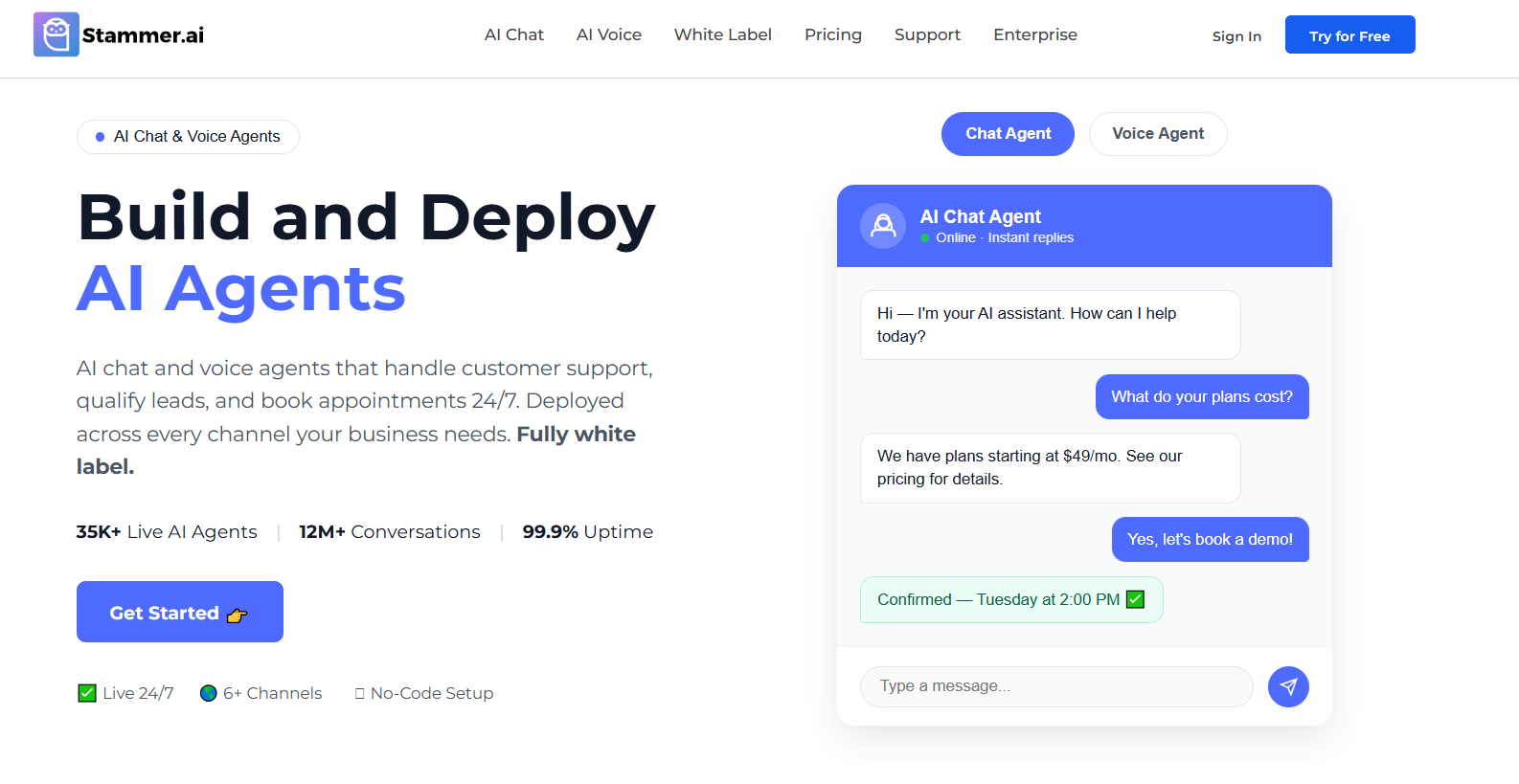
Agencies usually have different requirements from regular businesses because they often build solutions for multiple clients. An AI agency platform can help teams create, manage, and deliver these solutions under their own service model. Instead of creating one internal assistant, they may need to launch AI agents for different industries, websites, and customer needs.
Stammer AI is designed around creating and deploying customer-facing AI solutions, including white label AI chatbots that businesses and agencies can customize for different clients, This makes it relevant for agencies that want to provide AI services as part of their existing offerings.
A key consideration for agencies is how easily they can customize and deliver solutions for different clients. Features such as branding options, client management capabilities, and deployment flexibility can help agencies create repeatable processes through a white label SaaS platform.
Common agency use cases include:
Creating AI customer support assistants for client websites
Building lead qualification agents for service businesses
Deploying AI voice solutions for businesses that need appointment handling, lead qualification, or customer communication.
Offering AI automation services as a packaged solution
Stammer AI can also be useful for businesses that want ready-to-deploy customer interaction tools without managing a complex development process. However, companies that need complete developer-level control over every part of an AI system may prefer platforms with deeper technical customization options.
Voiceflow: Best No-Code AI Agent Builder for Designing Customer Conversations
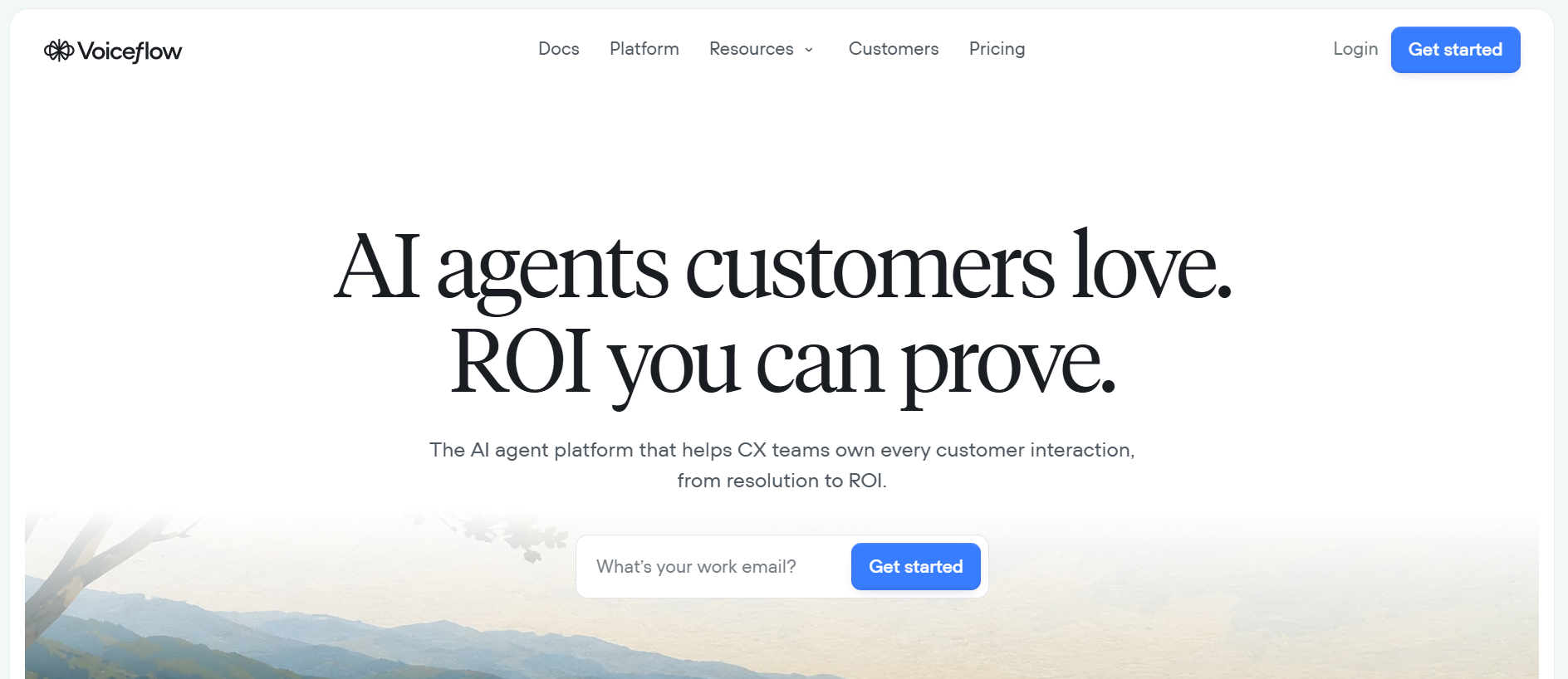
Voiceflow focuses on creating and testing conversational experiences. It is commonly used by teams that need to design how users interact with AI assistants before deploying them.
The platform provides a visual approach to conversation design, allowing teams to map user journeys, create dialogue flows, and test different responses. This makes it useful for product teams, UX designers, and conversational designers who want more control over the user experience.
Businesses can use Voiceflow for projects such as:
Customer support assistants
Product guidance tools
Interactive website experiences
Internal knowledge assistants
One of its strengths is the ability to visualize conversations before they go live. Teams can review how an agent handles different situations and adjust the flow based on user needs.
Voiceflow may be a better fit for teams focused on conversation quality and user experience rather than broad business process automation. Companies looking for extensive workflow automation across multiple business systems may need additional tools alongside the platform.
Botpress: Best No-Code AI Agent Builder for Custom AI Workflows
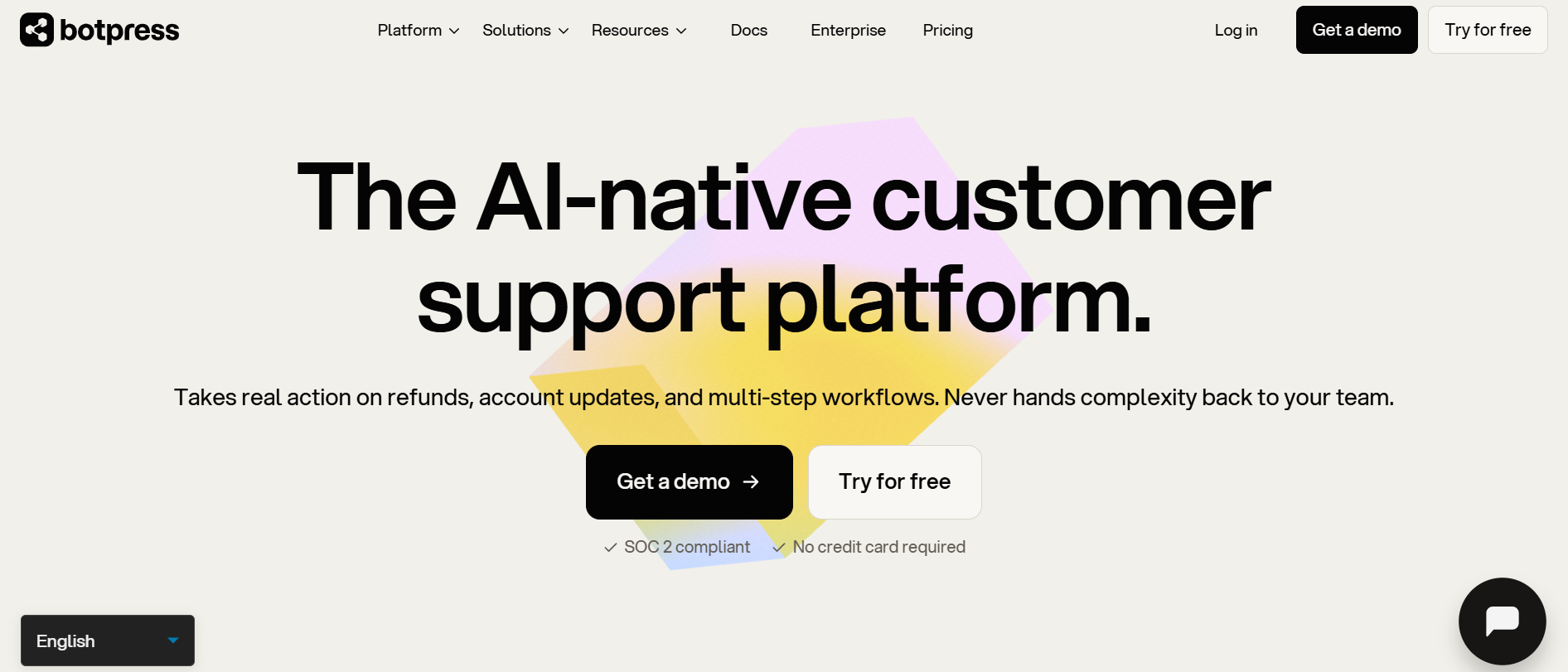
Botpress is built for users who want more control over how their AI agents operate. It combines visual building tools with workflow customization, making it suitable for businesses that need more detailed agent behavior.
Companies can use Botpress to create agents that follow specific processes, connect with external systems, and manage more structured conversations. It supports use cases where simple question-and-answer interactions are not enough.
Common applications include:
Customer service automation
Internal support assistants
Business process workflows
Knowledge-based AI systems
The platform provides more flexibility through custom logic, integrations, and control over agent behavior. This can help teams create solutions that match their specific operational requirements.
The additional flexibility can also mean a longer setup process compared with simpler AI agent builders. Teams that want quick deployment with minimal configuration may find other platforms easier to manage.
Lindy: Best No-Code AI Agent Builder for Personal and Business Automation
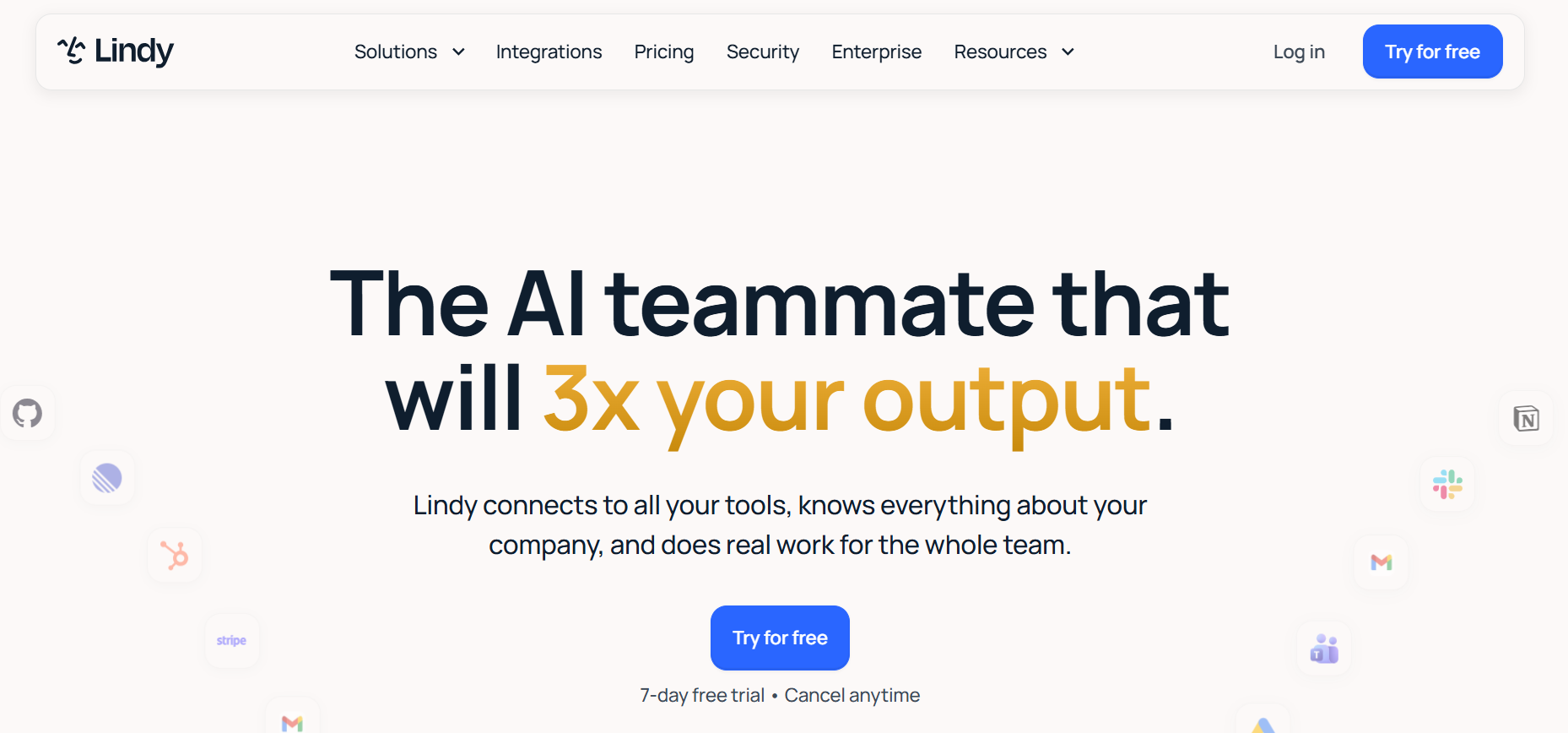
Lindy focuses on AI assistants that help automate everyday tasks. Instead of mainly building customer-facing agents, it is designed around connecting AI with common business activities.
Users can create assistants that handle repetitive workflows, organize information, and support daily operations. These workflows can help reduce manual work across areas such as communication, scheduling, and administration.
Examples of Lindy use cases include:
Managing email-related tasks
Supporting calendar and scheduling workflows
Creating internal assistants
Automating repetitive administrative processes
The platform works well for individuals and teams that want AI support integrated into their existing routines. It can help employees save time by handling smaller tasks that normally require repeated manual actions.
However, businesses looking to create large-scale client solutions or branded customer-facing AI products may need a platform with stronger deployment and agency-focused features.
Relevance AI: Best No-Code AI Agent Builder for AI Workflow Teams
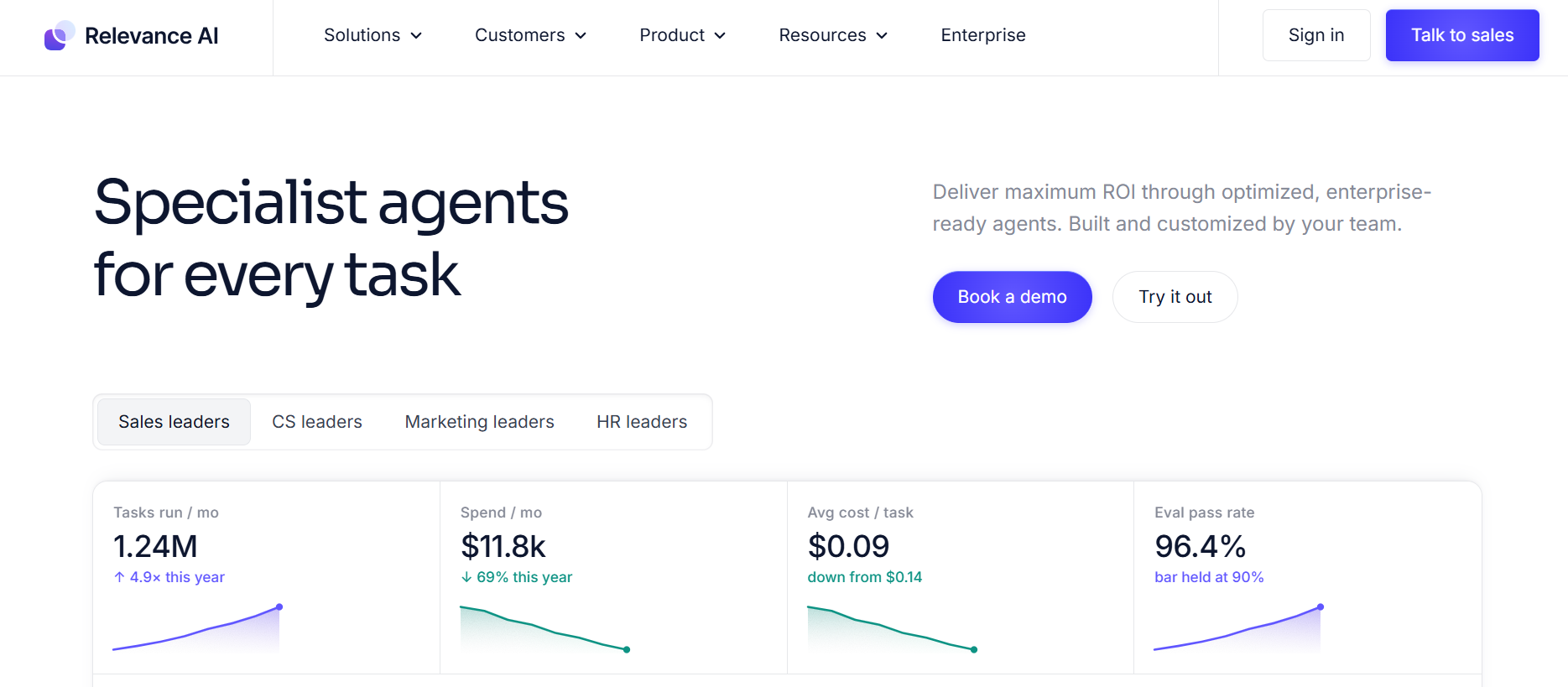
Relevance AI takes a workflow-focused approach by helping teams create AI-powered systems that can handle more complex operations. It is designed around the idea of using multiple AI workers or agents to complete business tasks.
This approach can be useful for teams that want to automate processes involving research, data handling, analysis, and internal operations. Typical use cases include:
Market research workflows
Data processing tasks
Business operations automation
Internal productivity systems
Teams can create AI workflows where different tasks are handled through connected processes instead of relying on a single conversational assistant.
Relevance AI is better suited for organizations that want to experiment with AI-powered operations and build workflow systems. Businesses looking for a simple website chatbot or basic customer assistant may find more specialized platforms easier to use.
Zapier Agents: Best No-Code AI Agent Builder for Connecting Existing Business Tools
Zapier Agents is focused on connecting AI capabilities with existing business applications. Since many companies already rely on tools for marketing, sales, customer management, and communication, connecting these systems can be an important part of automation.
The platform benefits from Zapier’s automation ecosystem, allowing businesses to create workflows that respond to events and move information between applications.
Common examples include:
Updating CRM records after customer interactions
Creating marketing follow-up workflows
Sending notifications based on specific actions
Connecting business apps with AI-powered processes
For companies already using multiple online tools, Zapier Agents can help bring AI into existing workflows without requiring major system changes.
Its main focus is automation between applications rather than building highly customized customer-facing AI experiences. Businesses looking for advanced conversational design or dedicated AI service deployments may require a different approach.
How to Choose the Right No-Code AI Agent Builder
The right no-code AI agent builder depends on what you want the agent to achieve. A company creating a customer support assistant will have different requirements from an agency delivering AI solutions for clients or a team trying to automate internal processes.
Looking at features alone can make the decision confusing. A platform may offer dozens of capabilities, but those features only matter if they solve the problems your business actually has. Start by identifying the main role of your AI agent.
Match the Platform With Your Main Goal
Businesses that want to improve customer interactions should focus on platforms designed for conversations. These tools need to understand company information, respond naturally, and guide users toward the right answers.
An online store may need an AI assistant that helps customers find products, answers common questions, and provides order-related support. A service company may need an agent that qualifies leads before sending them to a sales team.
For customer-facing projects, look at how well the platform handles:
Website and voice deployments
Business knowledge sources
Conversation management
Customer support workflows
The goal is not simply to create a chatbot. It is to create an experience that feels useful for the person interacting with it.
Consider Your Business Model
The needs of an agency are usually different from those of a single business. Agencies often build AI solutions for multiple clients, which means they need a platform that can support different industries, requirements, and branding needs.
A tool that works well for one internal project may become difficult to manage when an agency has to create and maintain several AI agents at the same time. For agency use cases, factors such as client management, customization options, and deployment flexibility can become more important than having the largest number of features.
Look at How the Agent Fits Into Your Existing Workflow
An AI agent rarely operates by itself. Most businesses already use tools for customer management, communication, sales, scheduling, and daily operations. Before choosing a platform, consider whether it can connect with the systems your team already depends on.
A well-connected AI agent can become part of an existing process instead of creating another separate tool that employees have to manage. A marketing team, for example, may need an agent that works with CRM data, while an operations team may need automation across internal applications.
Think About the Level of Control You Need
Some businesses need a simple assistant that can answer questions from company documents. Others need detailed workflows with specific rules, actions, and integrations.
The more complex the use case, the more important customization becomes. Platforms with deeper workflow controls can help businesses create agents that follow specific processes instead of handling only basic conversations.
Teams should consider areas such as:
Workflow customization
Data sources and knowledge management
Integration options
Control over agent behavior
However, more flexibility often comes with additional setup. A platform with advanced controls may require more time to configure compared with a simpler solution.
Plan for Future Growth
Choosing an AI agent builder is not only about solving today’s problem. Businesses should also think about how the platform will support future changes.
An agent that starts as a simple customer assistant may later need additional features, more users, new data sources, or extra automation. Switching platforms after building a complete system can create unnecessary work.
A practical choice is a platform that matches your current needs while leaving room for expansion. The best option will depend on your goals, workflow requirements, and how much control you want over the final AI experience.
FAQs
Do no-code AI agent builders work without coding experience?
Yes, no-code AI agent builders are designed for users who do not have programming skills. They use visual interfaces, workflow editors, and pre-built integrations that allow businesses to create and manage AI agents through configuration instead of traditional development.
The level of technical knowledge required depends on the complexity of the project. A simple customer assistant may be quick to set up, while advanced workflows with multiple integrations may require more planning.
Can a no-code AI agent connect with my existing business tools?
Many no-code AI agent platforms can connect with existing business systems such as websites, customer relationship management tools, communication platforms, and automation software. The available connections vary by platform. Before choosing a tool, businesses should check whether it supports the applications they already use and whether those integrations can support their intended workflow.
How long does it take to build a no-code AI agent?
The timeline depends on the purpose of the agent and the level of customization required. A basic assistant using existing information can often be created faster than an agent that requires custom workflows, multiple integrations, or detailed testing. Businesses should also consider the time needed to update knowledge sources, test responses, and improve the agent after launch.
Can businesses customize the personality and responses of AI agents?
Most no-code AI agent builders provide some level of customization. Businesses can usually adjust instructions, provide specific knowledge sources, define workflows, and control how the agent communicates with users. The available customization options differ between platforms. Some focus more on conversation design, while others provide deeper workflow and automation controls.
Are no-code AI agents suitable for handling business data?
No-code AI agents can be used with business information, but companies should review each platform’s security features, data handling practices, and available controls before connecting sensitive information. The right approach depends on the type of data involved and the requirements of the business or industry.
Can agencies create AI agents for multiple clients using no-code platforms?
Yes, many platforms can support agency use cases where teams create AI solutions for different clients. Features such as customization, deployment options, and project management capabilities can make it easier to manage multiple AI agent projects. Agencies should choose platforms that match their delivery model and the types of solutions they plan to offer.
What is the difference between a no-code AI agent builder and an automation platform?
A no-code AI agent builder is mainly focused on creating AI systems that can understand information, communicate with users, and complete tasks based on instructions. An automation platform usually focuses on connecting applications and triggering actions between different tools. Some platforms combine both approaches, while others specialize in one area.
Can no-code AI agents handle voice conversations?
Some no-code AI agent builders support voice capabilities, allowing businesses to create agents that interact with users through spoken conversations. Voice functionality depends on the platform and may require additional setup, integrations, or specialized features compared with text-based AI assistants.
How much does it cost to create a no-code AI agent?
The cost depends on the platform, usage limits, required features, and the complexity of the agent. Some tools offer entry-level plans for simple projects, while advanced business use cases may require higher-tier subscriptions. Businesses should evaluate pricing based on long-term usage rather than only the initial setup cost.
When should a business consider a custom AI solution instead of a no-code platform?
A no-code platform is often suitable when a business wants to build and manage AI solutions quickly without heavy development work. A custom solution may become more relevant when a company needs highly specific functionality, complete control over the technology stack, or complex integrations beyond what existing platforms provide.
Final Thoughts
The rise of no-code AI agent builders shows how quickly AI development is moving from specialist teams into everyday business operations. Companies can now experiment with AI-powered experiences, automate routine work, and create new ways to support customers and employees without building everything from the ground up.
The most important step is understanding where an AI agent can create real value. Whether it is improving customer interactions, reducing manual tasks, or helping teams manage complex workflows, the platform should support the outcome you want to achieve.
As these tools continue to evolve, businesses will have more opportunities to bring AI into their existing processes. The platforms that provide the most value will be the ones that fit naturally into how teams already work and help them solve practical problems.