
Best AI Live Chat Software in 2026: 9 Tools Compared
A shopper finds a jacket they like at 11 p.m. but cannot tell if a medium will fit. They open the chat widget and see "We'll reply within 24 hours." They close the tab and buy from a store that answered right away.
Most visitors who start a chat want an answer in under a minute. Keeping people on chat around the clock is expensive for a small team, and a bot that traps customers in loops creates a different kind of frustration.
AI live chat software sits between those two problems. The AI handles common questions instantly, and a person takes over when the chat needs one. This guide explains how AI live chat works, how its pricing has changed, and how nine popular tools compare on features and real monthly cost.
How AI Live Chat Works
A visitor types a question into the chat window on your site. The AI searches the content you trained it on, such as help articles, product pages and policy documents, and writes a reply in a few seconds.
If the question falls outside what it knows, or a set rule is met, the chat moves to a shared inbox where a team member can reply. Good tools pass along the full conversation, so nobody asks the customer to start over. Two kinds of AI show up in these products, and vendors often blur them together.
The first is an AI agent that talks to customers on its own. This is the type of reply that AI chatbot services for businesses focus on, and it is what lowers the number of chats your staff ever see.
The second is agent-assist AI, which works behind the scenes for your staff. It suggests replies, summarizes long threads and drafts answers from the knowledge base. Customers still talk to a person, who just works faster.
How AI Live Chat Pricing Changed in 2026
A few years ago, live chat pricing was simple: you paid per agent seat. That model still exists, but AI added new charges that behave very differently.
Seats Plus Resolutions
Large help desk vendors now charge for seats and then add a fee each time the AI fully resolves a conversation without a human. Across the major players, that fee ranges from about $1 to $2 per resolution. The bill grows as the AI gets better at its job, which surprises many teams in their second or third month.
Credits and Conversation Caps
Other tools include a monthly allowance. Some give each account a pool of AI credits that resets every billing cycle. Others cap the conversations your staff handle and sell AI conversations as a separate package. Once the allowance runs out, you either upgrade or the AI stops answering until the next cycle.
Free Chat With Paid AI
A third group gives away live chat and charges a flat price for the AI layer. The cost stays predictable, though the AI features are usually lighter. As a result, budgeting for AI customer support automation software now starts with a forecast of how many chats the AI will close each month, alongside the size of your team.
How to Test AI Live Chat Software Before You Buy
A demo always looks smooth. A free trial with your own content tells you far more. Run these five tests before committing:
Train it on real material. Upload your help articles, return policy and a few product pages. Then ask ten questions your customers actually send, including two that the content does not answer. A good AI says it does not know and offers a person.
Trigger a handoff. Type "I want to speak to someone" and then send an angry message. Check how fast the chat reaches the inbox and who on the team gets notified.
Connect your other channels. If customers also message you on WhatsApp, Instagram or Messenger, confirm those chats land in the same inbox.
Test it after hours. Visit your site at night as a new visitor. The AI should answer, and if no one is online, it should collect a name and email for follow-up. Pairing chat with AI lead generation software turns these late visits into leads instead of lost traffic.
Open the reports. Look for resolution rate, first response time and customer satisfaction scores. Without these numbers, you cannot tell whether the AI is helping.
The 9 Best AI Live Chat Software in 2026
1. Stammer AI
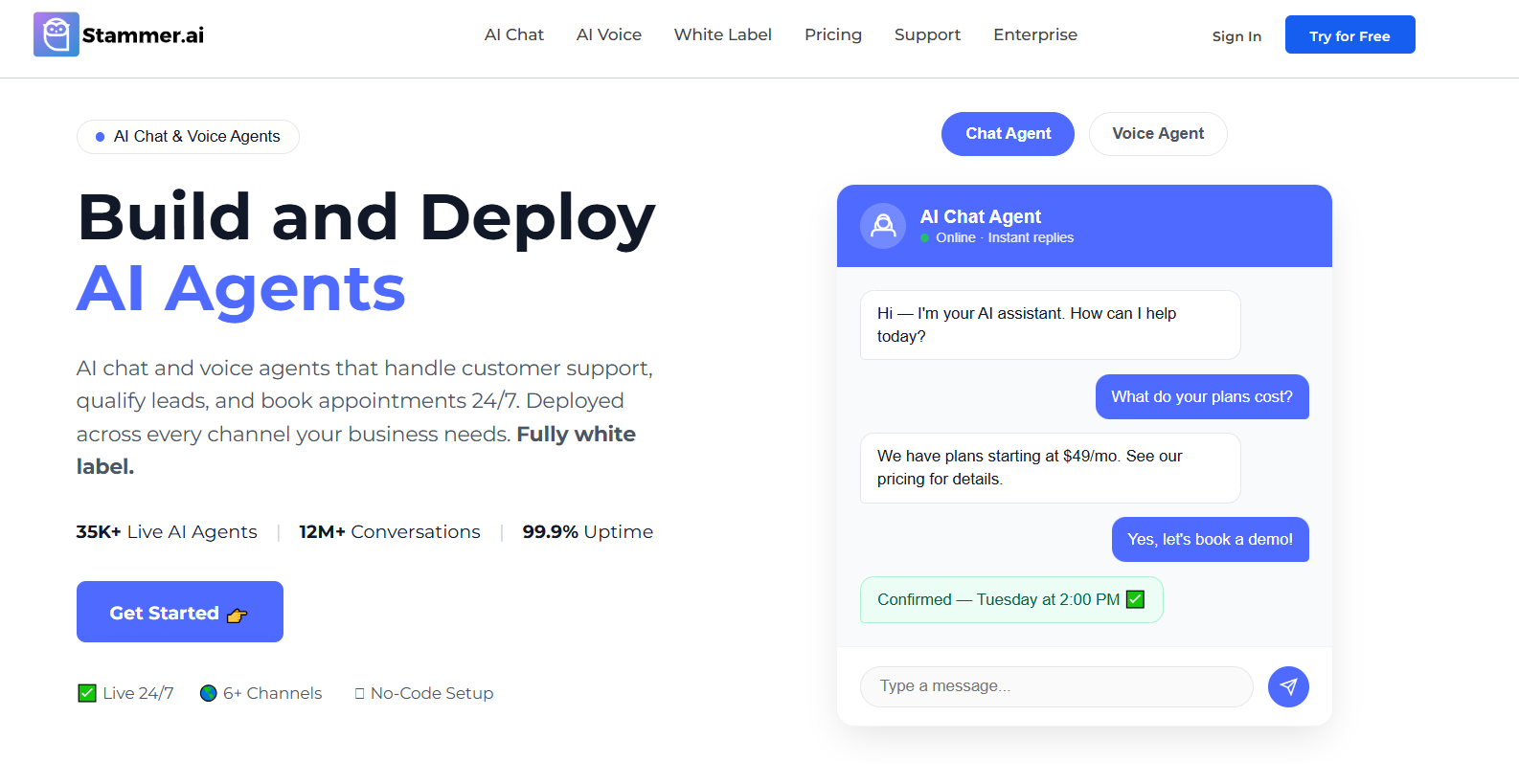
Stammer AI gives agencies a way to deploy AI agents with live chat handoff for many clients from one account. Each agent learns from the client's website, files and Q&A pairs, then answers visitors in a chat widget.
Handoff is where most of the setup happens. A chat moves to a person when:
The visitor uses a phrase from a keyword list, such as "talk to human" or "unsatisfied"
The AI detects certain questions or an upset customer
A custom rule set by the agency is met
Team members can switch any conversation between AI and human replies with a toggle. The inbox gathers chats from the website widget, WhatsApp, Instagram and Messenger, with visitor location and past history in view. Agencies can package this as AI live chat software for clients who receive messages on several channels. Alerts go out by email or webhook.
Live chat and handoff are included from the $49 Standard plan, and Pro at $99 adds white-label branding. Stammer does not include ticketing or a full help desk, so teams that manage email support in the same tool will need a separate system for it.
2. Intercom
Intercom's AI agent, Fin, has become a product in its own right. Companies can buy it alongside Intercom's help desk or plug it into another one, such as Salesforce or HubSpot, without moving their support team.
Fin costs $0.99 for each successful outcome. Intercom seats start at $29 per month on annual billing for Essential and climb to $85 for Advanced and $132 for Expert. The higher plans add workflow automation, multiple team inboxes and stronger reporting.
The interface is polished, though the combined cost of seats and outcomes puts Intercom out of reach for many small businesses.
3. Zendesk

Zendesk suits larger support operations that run chat, email, phone and social messaging from one platform. Its AI agents come built into the Suite plans, with a small number of free automated resolutions per agent each month. Beyond that, each resolution costs $1.50 on a committed plan or $2 on pay-as-you-go.
Suite Team starts at $55 per agent per month when paid yearly, Suite Growth at $89 and Suite Professional at $115. The Copilot add-on, which drafts replies and summarizes tickets for staff, adds $50 per agent. Zendesk regularly shows up in lists of AI customer support agents because of its depth, and setup usually needs an admin who knows the platform well.
4. Tidio
Tidio tracks three things at once: team seats, conversations your staff answer and conversations handled by its AI agent, Lyro.
Seats cause the fewest surprises, since even the free plan allows up to ten operators. Human conversations are where limits apply. The free plan covers 50 a month, Starter covers 100 for $24.17 per month with a yearly plan, and Growth starts at $49.17 for 250 or more.
Lyro sits on top as an add-on from $32.50 per month for 50 AI conversations, and those AI chats do not use up the human allowance. Starter also comes with a one-time batch of 50 free Lyro conversations for testing.
This setup works well for Shopify and WooCommerce stores, where Lyro can answer order and product questions. Teams just need to budget for both meters as traffic grows.
5. LiveChat
As the name suggests, LiveChat has focused on chat longer than most tools on this list. It appeals to teams where human agents still handle a large share of conversations and want AI help on the side.
Pricing is per agent on annual billing: Starter at $19, Team at $49 and Business at $79. Every plan includes Text Copilot, which suggests replies to agents. Customer-facing AI comes from a sister product, ChatBot, sold as a separate subscription from $19 a month with 10 AI resolutions. Extra resolutions cost $0.99 each, sold in packs of 50. Both products offer a 14-day free trial.
6. Crisp
Crisp charges per workspace, so adding a teammate does not raise the price until you reach the plan's seat limit. Plans run from $45 a month for four seats on Mini to $295 for twenty on Plus, with Essentials at $95 for ten in between.
Its AI agent, Hugo, draws from monthly credits included in each paid plan, from $5 on Mini to $75 on Plus. Crisp estimates that each AI-handled conversation uses roughly $0.05 to $0.10 in credits.
A free plan with two seats exists, but it includes no AI credits. Essentials adds a knowledge base and help center, and Plus adds ticketing, so small teams can grow into a full support setup without switching tools.
7. Freshchat
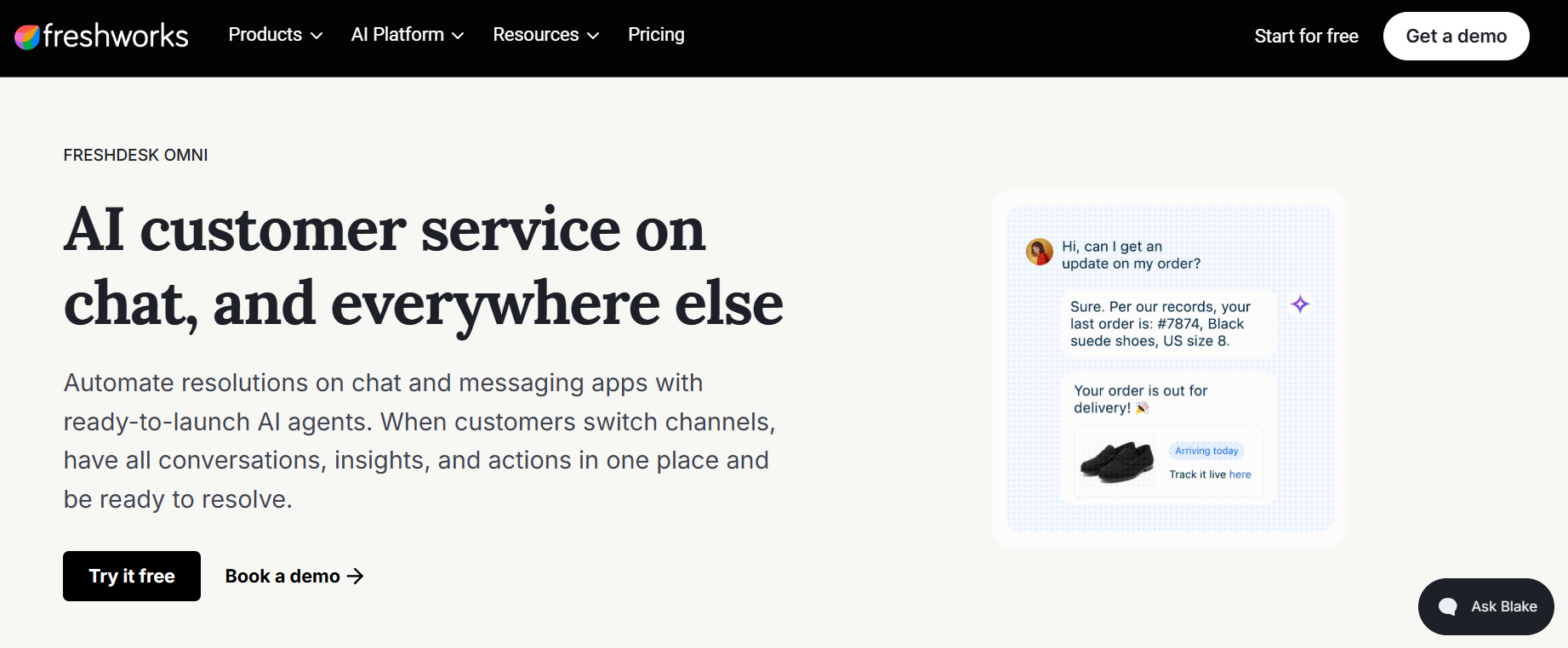
Freshchat, part of Freshworks, targets mid-sized businesses that talk to customers on messaging apps as much as on their website. WhatsApp, Instagram and Messenger connect alongside web chat, and chats can be routed by language or topic.
A free plan covers up to ten agents. Paid per-agent prices on yearly plans look like this:
Growth: $19 a month
Pro: $49 a month
Enterprise: $79 a month
The Freddy AI agent is available from Growth at $49 per 100 sessions. The Freddy AI Copilot add-on, which suggests replies to staff, costs $29 per agent from the Pro plan. Teams already on Freshdesk get the smoothest setup, since contacts and tickets are shared between the two.
8. HubSpot Service Hub
HubSpot links live chat directly to its CRM. When a visitor chats, the conversation lands on their contact record, so sales and support see the same history. This is valuable for B2B companies where a support chat can turn into an upsell.
Its AI agent, Breeze Customer Agent, is available from the Professional plan and runs on HubSpot credits, at roughly $0.50 per resolved conversation. Professional costs $90 per seat when paid yearly plus a one-time $1,500 onboarding fee, and Enterprise costs $150 per seat with a $3,500 fee. Companies already using HubSpot for marketing get the most from it.
9. tawk.to
tawk.to has offered free live chat with unlimited agents for years, which makes it popular with startups, schools and nonprofits. It earns money from optional add-ons.
AI Assist answers chats using your knowledge base and a set of shortcut FAQs. It starts at $29 per month, and a free tier covers sites with low chat volume. Removing tawk.to branding costs another $29. The company also rents out trained human agents for $1 an hour, an unusual option for businesses that want chat covered overnight but have no staff to cover it.
AI Live Chat Software Comparison Table
What AI Live Chat Really Costs Per Month
List prices only tell part of the story. Here is a simple example to show how the models compare in practice.
An online store has three support agents and receives 2,000 chats a month. Its AI resolves 60% of them, or 1,200 conversations, without a human.
The gap is large, but so is the difference in what each AI can do. Fin handles complex, multi-step questions that a lighter tool may get wrong. A cheap AI that gives poor answers can cost more in lost sales and refund requests than it saves, and these common automated customer service failures show how quickly that happens. Weigh answer quality alongside the monthly number.
Matching a Tool to Your Team
Ask one question first: who answers most of your chats today?
If it is the founder or one or two people, chat volume is usually a few hundred conversations a month. At that level, the price gap between tools matters more than AI depth. Shortlist tawk.to, Crisp and Tidio, then keep the one that handled your trial questions best.
If a full support team answers thousands of chats, the fees tied to AI resolutions become your biggest line item. Plug your own volume into the cost example above for Intercom, Zendesk, LiveChat and Freshchat before deciding. If chats often turn into sales conversations, HubSpot is worth the higher price.
Agencies that set up chat for clients have different needs, such as separate client accounts, their own branding and control over billing. A white-label AI agent platform like Stammer AI is built for that setup.
Frequently Asked Questions
What is the difference between live chat and a chatbot?
Live chat is the real-time channel itself, the window where a visitor types. A chatbot is one way of replying inside it. A business can staff live chat with only people, only a bot or a mix of both.
Is there free AI live chat software?
Yes, though most free plans cover the chat window and leave out automated answers. A few offer a small free AI tier for low chat volume, and beyond that the cheapest way to add AI is usually a flat add-on or a small monthly credit allowance.
How long does it take to set up AI live chat?
Adding the widget to a website takes minutes. Training the AI takes longer, usually a few hours to upload content and a week or two of reviewing answers before it runs without close watching.
Can AI live chat work on WhatsApp and Instagram?
Yes, though each app sets its own rules. On WhatsApp and Instagram, a business can reply freely for 24 hours after the customer's last message. After that, WhatsApp only allows pre-approved template messages.
Will customers know they are talking to AI?
They should. Being upfront builds trust, and some regions have rules that require businesses to say when a customer is chatting with AI. A short line like "I'm the AI assistant, and a teammate can join anytime" works well.
Does AI live chat replace human agents?
It replaces the repetitive part of their day. People are still needed for complaints, refunds, complex orders and any chat where the customer simply wants a human.
Final Thoughts
Once your AI live chat is running, set aside time each week to read the conversations it passed to your team. Those chats point straight to the questions your knowledge base cannot answer yet. Adding those answers is the fastest way to raise your resolution rate without changing tools.


