
Best Instagram DM Automation Tools in 2026: 9 Tools Compared
A Reel takes off overnight, and by morning 1,400 people have commented “GUIDE” to get your free download. Each of them is waiting for a DM. Sending those messages by hand would take a full day, and many of those people will have lost interest long before you reach them.
Instagram DMs now carry a large share of sales questions, bookings and support requests for brands and creators. Replying fast is what turns a comment into a lead, but a person can only type so quickly. DM automation tools handle that work, and Meta sets firm limits on how they are allowed to do it.
This guide explains how Instagram DM automation works, the rules Meta enforces in 2026, and how nine popular tools compare on features and real cost.
What Instagram DM Automation Does
Instagram DM automation is software that sends direct messages on behalf of a professional account through Meta’s official Instagram API. Something the user does starts each conversation. That could be a comment with a keyword, a reply to a Story, a mention, a DM containing a set word, or a tap on a click-to-DM ad. The tools in this space fall into four broad types.
AI agents answer open questions. They learn from your website, FAQs and product details, so they can reply to “Do you ship to Canada?” or “Which plan fits a team of five?” without a script. This is the kind of reply that AI chatbot services for businesses are designed to handle, and it suits accounts that get varied questions.
Visual flow builders let you map out a conversation step by step. A user taps a button, picks an option, shares an email address and receives a link. These flows are predictable, which makes them popular for lead magnets and giveaways.
Multichannel inboxes bring Instagram into one workspace with WhatsApp, Facebook Messenger, email and live chat. Their main value is in routing chats to the right team member.
Comment-to-DM tools do one job well. Someone comments a keyword, and the tool sends a DM with the promised link. Many creators need nothing more.
Instagram’s DM Automation Rules in 2026
Every tool in this guide runs on the same Meta rules. Knowing them helps you set realistic goals and avoid account restrictions.
The 24-Hour Window and the Human Agent Tag
When a user messages your account, a 24-hour window opens. During that window, automation can reply as often as needed, and each new user message resets the clock. Once the window closes, the bot has to wait for the user to write again.
Meta also offers a human agent tag that extends the window to seven days. It exists so support staff can finish a conversation, and it is meant for replies typed by a person. Bots cannot use it to send follow-ups or offers.
How Comment Replies Work
Comment-to-DM funnels rely on a feature Meta calls private replies. According to Meta’s developer documentation, an account can send one private message to a commenter within seven days of the comment. For Instagram Live, that message must go out while the broadcast is still running. The tool can send more messages only after the person writes back.
Rate Limits and Account Safety
Automated DMs are capped at about 200 per hour for each account. Meta cut that limit from 5,000 in late 2024, so a viral post can create a queue that takes several hours to clear.
The permission to message someone comes from their own action, such as a comment, a DM or a Story reply. Following your account or liking a post does not count. This is why AI lead generation software built on Instagram always starts with a prompt that asks people to comment or reply.
Accounts get restricted for a few common reasons:
Sending cold DMs to people who never contacted the account
Messaging scraped lists of followers, often taken from a competitor
Using tools that ask for your Instagram password and imitate a person tapping through the app
Sending the same message to the same person again and again
What to Look for in an Instagram DM Automation Tool
Most tools promise similar results, so judge them on details that change your daily work. Which triggers are supported? Check for comments on posts and Reels, Story replies, Lives, mentions and click-to-DM ads. Some tools stop at post comments.
How does pricing behave during a spike? Tools charge per contact, per DM sent or a flat monthly fee, and each model reacts differently when one post suddenly draws thousands of replies.
How smart are the replies? Find out whether the tool can learn from your own content or only sends fixed messages. Test it with the questions your followers actually ask.
Can a person step in? Some chats need a human, especially complaints and large orders. AI live chat software with human handoff lets a team member take over without the customer repeating the story.
Where does the data go? Look for CSV export or a CRM sync, so the emails and phone numbers you collect do not stay locked inside one tool.
The 9 Best Instagram DM Automation Tools in 2026
1. Stammer AI
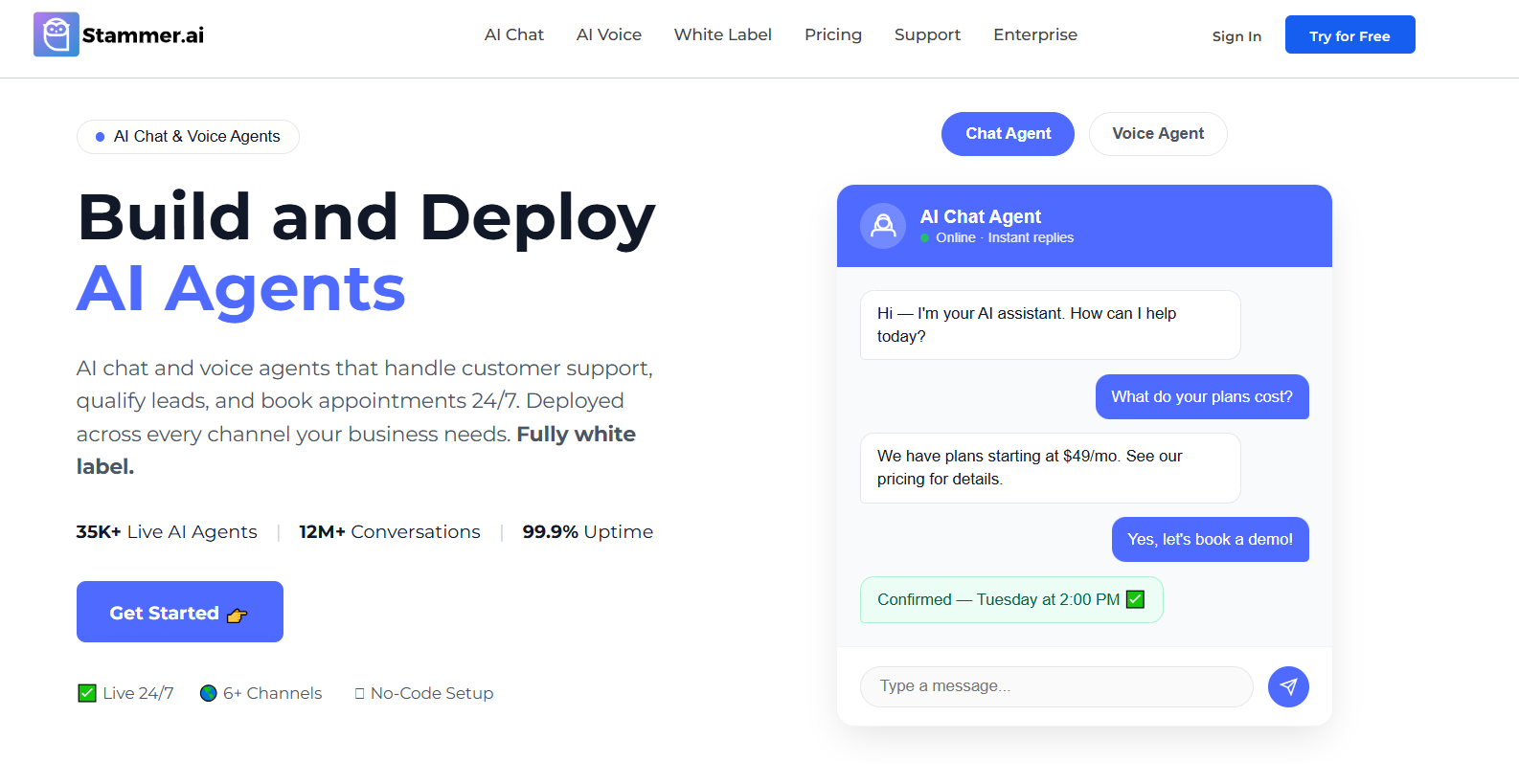
Stammer AI is built for agencies that deploy AI agents for many clients under their own brand. It connects to Instagram through a Facebook login and answers incoming DMs using a knowledge base trained on each client’s website pages, documents and Q&A pairs.
The same agent can also run on a website widget, WhatsApp, Messenger and SMS. That means a dental clinic or real estate client gets one set of answers across every channel. Teams already working in GoHighLevel or HubSpot can use the API to let the agent pick up conversations inside their CRM.
The Standard plan starts at $49 per month. Pro costs $99 per month and adds the reselling tools of a white-label AI agent platform, including client sub-accounts and agency-set pricing. Stammer centers on answering DM conversations. Creators who mainly run comment-keyword giveaways will find dedicated comment-to-DM tools quicker to set up.
2. Manychat
Manychat is the tool most people think of first for Instagram automation. A typical funnel looks like this:
A user comments “PLAN” on a Reel.
Manychat posts a public reply and sends a DM with a button.
The user taps the button and shares an email address.
The DM delivers the guide, and the contact is tagged for future follow-ups.
Manychat AI can step in when a follower types something the flow did not plan for. In March 2026, Manychat moved to four paid tiers, Essential, Pro, Business and Advanced, starting at about $14 per month. Each tier scales with contact count, so growing accounts should check the pricing calculator before a launch.
3. Chatfuel
Chatfuel stands out for how it charges. AI PRO is a single flat fee of $49 per month when paid yearly, or $69 month to month. Budgeting is simple, since the bill stays fixed from one month to the next.
The AI agent answers product questions, recommends items and collects order details, which makes Chatfuel a common choice for online stores. A free Light plan exists but leaves out the AI features. Teams comparing it with general no-code AI agent builders will find Chatfuel narrower in scope, with a sharper focus on Meta’s messaging apps.
4. Inrō
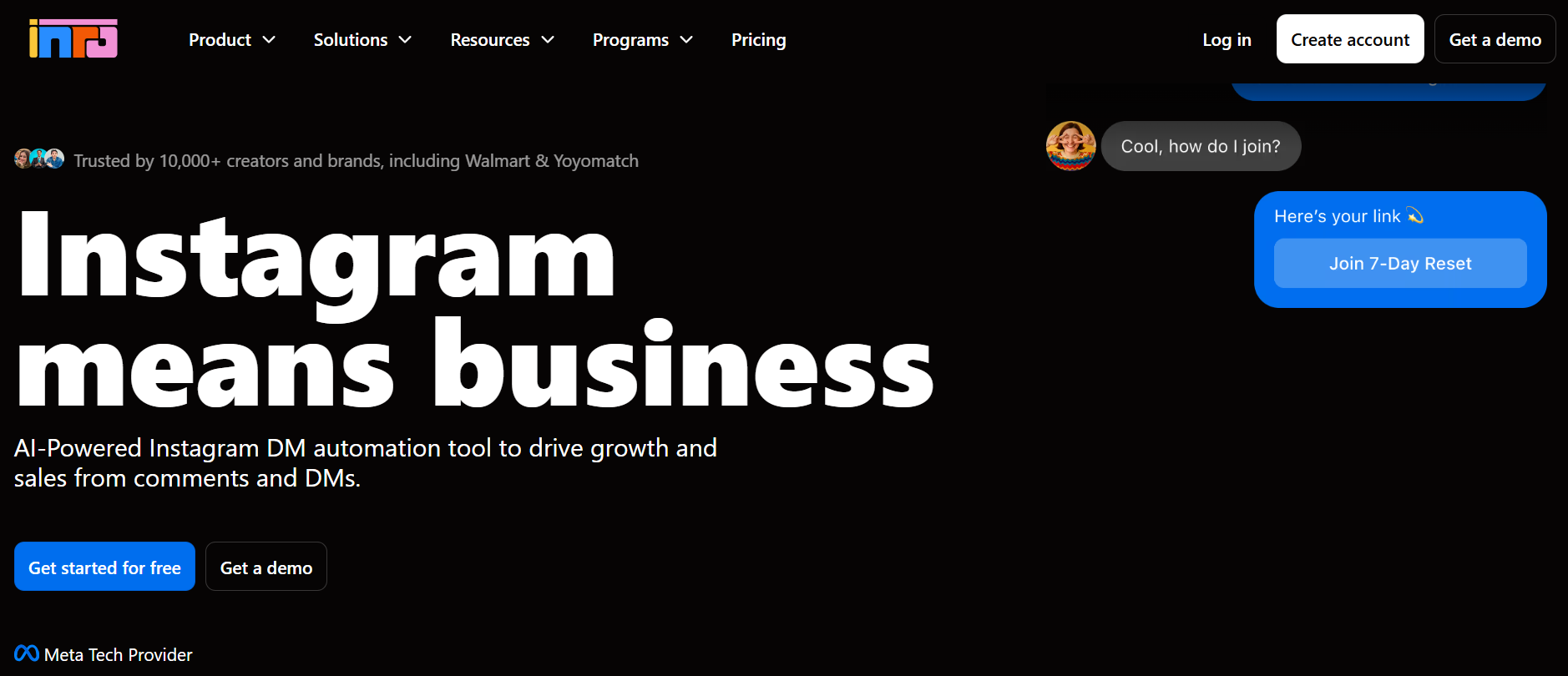
Inrō works only with Instagram, and that focus shows in its features. Along with the usual triggers, it reacts to mentions and click-to-DM ads, and its AI agent can write public comment replies as well as DMs.
Every contact lands in a built-in Instagram CRM with tags and saved segments. Inrō prices in euros. A free tier covers 100 active contacts, three automations and 50 AI credits, and Pro begins at €12.99 per month. You pay only for contacts who enter an automation, so followers who never interact cost nothing.
5. LinkDM
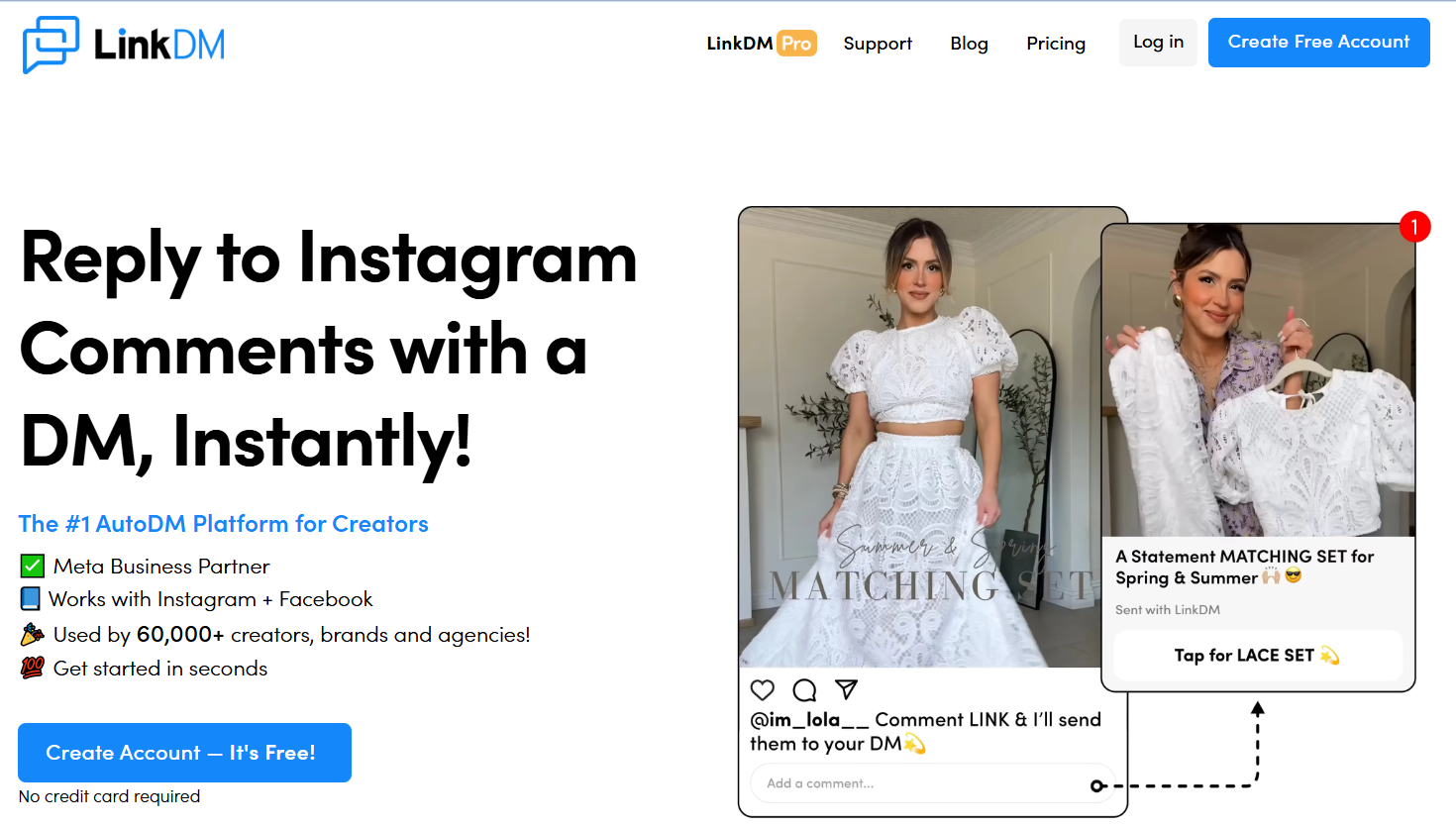
LinkDM keeps things minimal. Setup takes a few minutes: pick a post, set a keyword and write the message that carries your link.
Its pricing is built around how many accounts you run. One account with 1,000 DMs a month is free, three accounts cost $19 on Pro, and ten cost $99 on Platinum+. Anyone who needs AI replies or branching flows will outgrow it.
6. CreatorFlow
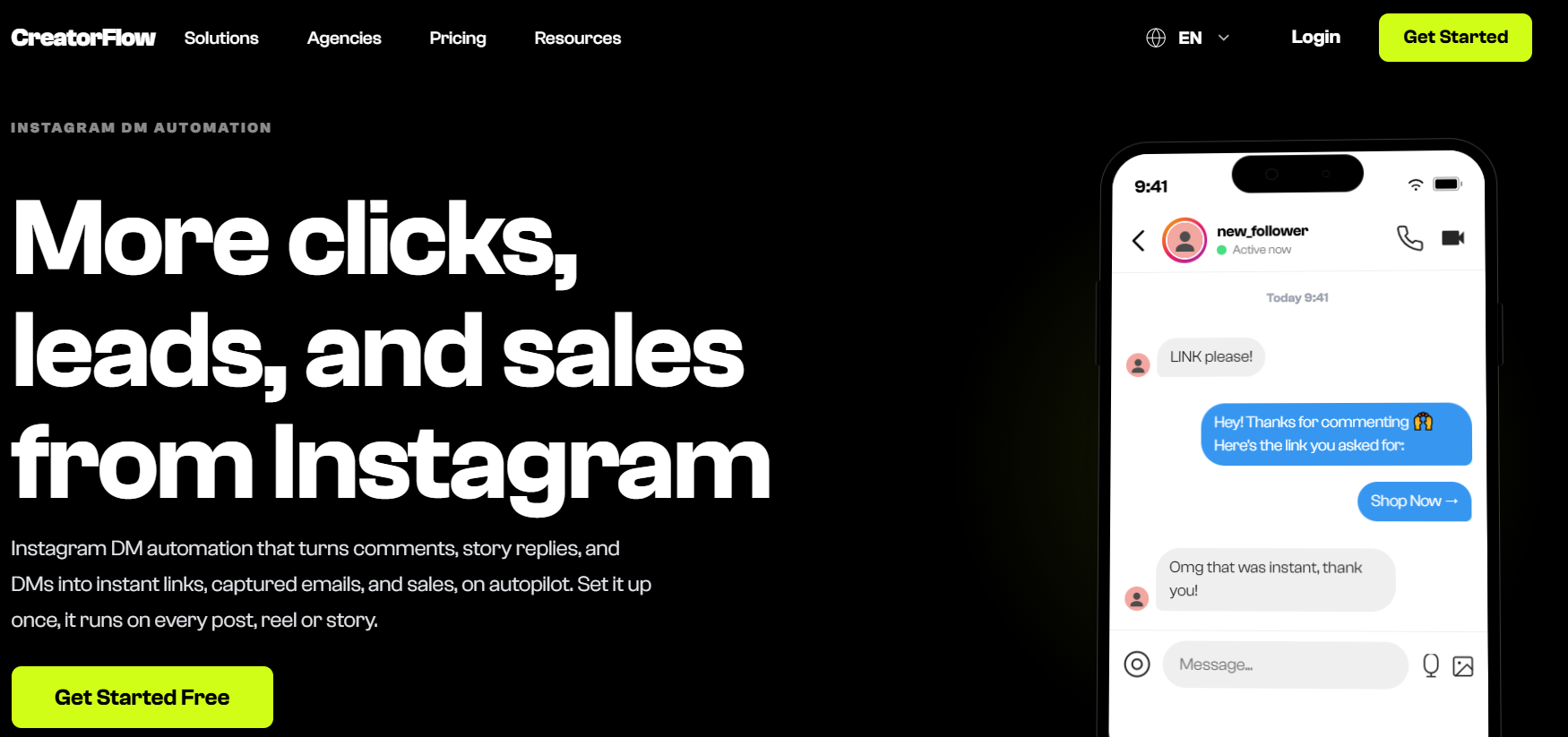
CreatorFlow counts DMs sent instead of contacts stored. The free plan includes 500 DMs a month. Pro costs $12 per month on annual billing for 5,000 DMs across two accounts, and Growth costs $24 for 10,000 DMs across five accounts.
Email capture is built in, which helps creators grow a mailing list from Instagram. Every reply comes from a template you write, as the tool has no AI agent.
7. Respond.io
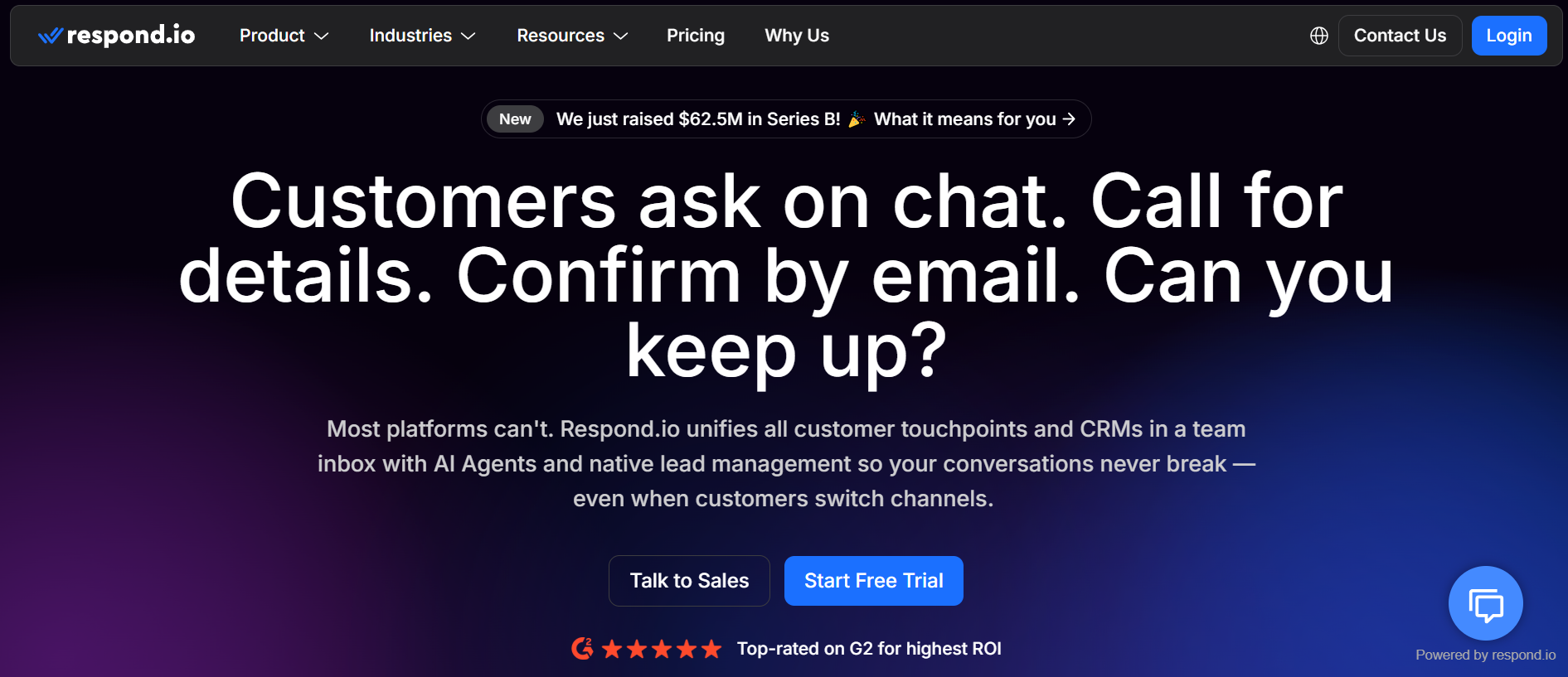
Respond.io is designed for teams that answer customers on several channels at once. Instagram DMs land in the same inbox as WhatsApp, TikTok, email and web chat. Workflows then assign each conversation based on rules like language, lead stage or the agent’s workload.
Its AI agents handle first replies and pass warm leads to staff. They are included from the Growth plan at $159 per month, while Starter at $79 handles the inbox alone, with both prices based on yearly billing. Routing rules take planning, so expect a longer setup than single-channel tools.
8. Metricool
Metricool is a scheduling and analytics suite, and its Flows feature adds DM automation for people who already plan content there. The same feature also replies to and moderates TikTok comments.
Flows use keywords and preset messages, with up to three reply versions rotated at random so messages feel less repetitive. Paid Metricool plans begin at $20 per user each month with a yearly subscription.
9. SleekFlow
SleekFlow targets brands that sell through chat. Its team inbox combines Instagram with WhatsApp and other channels, and it adds product catalogs, payment links and Shopify actions.
Plans are priced for growing teams. The Pro AI plan, at $149 per month on a yearly contract, includes three seats and three channels. Premium AI raises that to five seats and ten channels for $349. Its AI agent runs on credits whose rate is not published, which is worth asking about before signing up.
Instagram DM Automation Tools Comparison Table
What a Viral Post Really Costs
Pricing models look similar on a slow month. They split apart when a post goes viral.
Picture a Reel that brings in 5,000 commenters in one week. Each one gets an automated DM, and about half reply with a question.
Per-contact pricing treats every commenter as a new contact. On Manychat or Inrō, the account may jump to a higher tier and stay there while those contacts remain active.
Per-DM pricing charges for volume sent. On CreatorFlow, 5,000 first messages plus follow-up replies would push past the Pro limit within the week.
Flat-fee pricing, as on Chatfuel AI PRO, absorbs the spike with no change to the invoice.
Before choosing, estimate your largest likely month and compare what each tool would charge. This breakdown of AI chatbot pricing models explains how each model scales as volume grows.
Matching a Tool to Your Account
Start by reading through a week of your DMs. If most of them are people asking for a link you promised, a comment-to-DM tool such as LinkDM or CreatorFlow will cover the job at little cost.
If people ask about products before buying, look at Manychat, Chatfuel or SleekFlow. Choose between them based on how much of the sale you want to finish inside the chat.
Salons, clinics and coaches see the same questions about prices, hours and open slots every day. An AI agent paired with AI appointment scheduling software can answer those and book the visit in one conversation. Inrō handles this inside Instagram, while Respond.io makes more sense once WhatsApp and email traffic join in.
Agencies have one extra check: whether each client can get a separate account and branded dashboard. Among the tools here, Stammer AI is the one built around that setup.
Frequently Asked Questions
Is Instagram DM automation allowed?
Yes. Meta supports it through its own messaging API, which every tool in this guide uses. You will need a Business or Creator account, since personal profiles cannot connect.
Can DM automation get my account banned?
Approved tools are low risk when used as intended. When Meta does step in, it usually starts with a temporary block on sending DMs that lasts a day or two, with longer limits for repeat problems.
Is there a free Instagram DM automation tool?
Yes. LinkDM, CreatorFlow, Inrō and Chatfuel all offer free plans. Their limits are small, so one popular post can use up a month’s allowance.
Why do automated DMs land in message requests?
Instagram puts messages from accounts a user does not follow into the Requests folder. Asking people to follow before they comment raises the share of DMs that reach the main inbox.
Can I use two DM automation tools on one account?
It is possible, but two tools can respond to the same trigger and send duplicate messages. Assign each tool a separate job, such as comments for one and support DMs for the other.
Can AI reply to Instagram comments too?
Some tools can write public comment replies with AI. Keep an eye on them at first, because those replies are visible to everyone who opens the post.
Final Thoughts
Every tool on this list works within the same Meta limits, so the real differences come down to reply quality, pricing and how much setup you can take on.
After your first big post with automation running, compare three numbers: how many people commented, how many received the DM and how many clicked the link. The gap between each step shows exactly where the funnel needs work.


