Best WhatsApp AI Chatbot Platforms in 2026: 9 Tools Compared
A customer sends your business a WhatsApp message at 9 p.m. asking if an item is in stock. Nobody sees it until the next morning, and by then they have bought it somewhere else. This happens every day to businesses that sell or offer support on WhatsApp.
People expect quick replies on the app they already use, but a small team cannot watch the inbox around the clock. An AI chatbot can answer those messages in seconds using your own business information. Choosing one takes more care than it used to.
Platforms range from messaging providers with a basic bot to full AI agent builders, and Meta changed both its rules and its pricing for WhatsApp bots in 2026. This guide explains how WhatsApp AI chatbots work, what changed this year, and how nine leading platforms differ in features and real cost.
How a WhatsApp AI Chatbot Works
Every WhatsApp chatbot runs on the WhatsApp Business Platform, Meta’s API for business messaging. When a customer sends a message, four things happen:
Meta delivers the message to the chatbot platform through a webhook.
The platform pulls matching details from the bot’s knowledge base, such as product pages, FAQs or order data.
A language model writes a reply using those details and the bot’s instructions.
The reply travels back through the API, usually within a few seconds.
The customer’s message also opens a 24-hour customer service window. Inside that window, the bot can reply freely. Once it closes, the business can only restart the chat with a template message that Meta has approved, such as an order update or a reminder.
Older WhatsApp bots worked on numbered menus, where customers tapped “1 for orders” and followed a script. Modern AI chatbots understand questions typed in the customer’s own words, so a single bot can handle product questions, bookings and lead capture without forcing every chat down the same path.
Business App, API and the Two Types of Platforms
The free WhatsApp Business app is designed for one phone and manual replies. It offers greeting messages, away messages and quick replies, but it cannot run an AI chatbot on its own. Every bot in this guide needs the API.
Platforms reach the API in one of two ways. Business Solution Providers (BSPs), such as Wati, AiSensy and Gupshup, are approved by Meta to provide API access directly. They usually bundle a team inbox, broadcast campaigns and template tools. AI layer platforms, such as Stammer AI, Botpress and Chatbase, connect through your own Meta Business account.
AI layer tools focus on the conversation itself, with deeper knowledge training and agents that also run on web chat or Instagram. Neither type wins by default. A clothing brand sending weekly promotions will lean on BSP features. A clinic that mostly answers questions and books visits will care more about how well the bot understands patients.
What Changed for WhatsApp Chatbots in 2026
General-Purpose AI Assistants Are Banned
Since January 15, 2026, Meta’s business terms have prohibited general-purpose AI assistants on the API. ChatGPT-style bots that answer any question on any topic are out. Bots that serve a specific business remain allowed, including those built for AI customer support automation, bookings or order updates.
The safe approach is to keep your bot’s instructions tied to your services. A dental clinic bot should talk about appointments and treatments and politely decline unrelated requests.
Service Replies Are Now Billed
On October 1, 2026, Meta began charging for service messages. These are the free-form replies a business sends inside the 24-hour window, whether they come from staff, a chatbot or a third-party AI tool. Each business phone number gets 1,000 free service messages per month. After that, every reply is charged at the local utility rate, and utility templates sent inside the window are billed too. Meta’s WhatsApp pricing page lists current rates by country.
Before October, a bot could reply as often as it liked inside the window at no Meta cost. Today, a bot that answers in five short messages costs more to run than one that gives a complete answer in two. Reply design has become a core part of WhatsApp Business AI chatbot optimization for exactly this reason.
Questions to Ask Before You Choose
Feature lists look similar across vendors, so test each platform against how your business works.
How good are the answers? Send ten real customer questions during the free trial and read every reply. Some tools answer from a trained knowledge base, while others run fixed flows with a single AI step inside.
Can it handle WhatsApp-style messages? Customers send voice notes, photos and documents, not only text. Check whether the bot can read them or simply ignores them.
What will a month really cost? Add the plan price, Meta’s message fees, any provider markup and AI usage charges.
What happens when the bot gets stuck? Tools that offer AI live chat with human handoff let staff take over with the full history in view, so the customer never repeats themselves.
Does it connect to your tools? CRM, calendar and store integrations let a bot check an order or book a slot instead of only describing how.
Agencies should also ask whether each client can get its own account, branding and billing.
The 9 Best WhatsApp AI Chatbot Platforms in 2026
1. Stammer AI
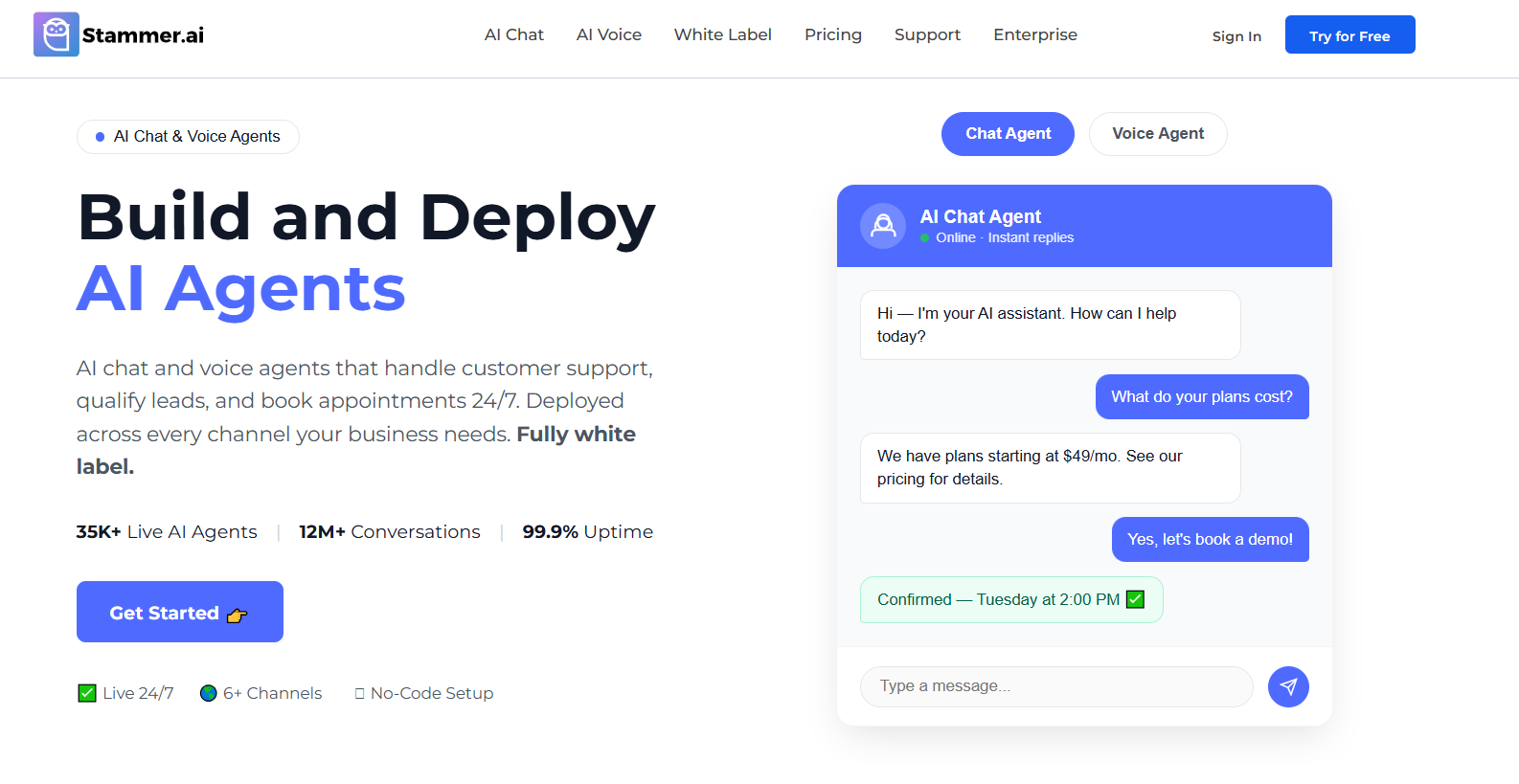
Stammer AI is aimed at agencies that set up and manage AI agents for many clients under their own brand. It links to the official WhatsApp Business API through a Meta login, so each client keeps its own number and Meta account.
Agents are trained on website pages, documents and Q&A pairs. On WhatsApp, the platform also covers a few situations that trip up simpler bots:
Voice notes are transcribed, so the agent answers what the customer actually said.
Images and files sent by customers show up in the conversation.
Questions the agent cannot answer can trigger an alert, which helps close gaps in its knowledge.
The same agent can run on web chat, Instagram and Messenger, and chats that need a person move into a shared inbox. Each client gets a sub-account, and usage flows through a prepaid wallet where the agency sets its own markup.
The Standard plan starts at $49 per month. Pro starts at $99 per month and turns it into a white-label AI platform with reselling features, while Enterprise is custom. Meta’s message fees are separate. Stammer centers on conversations rather than broadcast campaigns, so teams that depend on bulk promotions may run a BSP alongside it. Single-location businesses may also never use the sub-account and wallet tools.
2. Wati
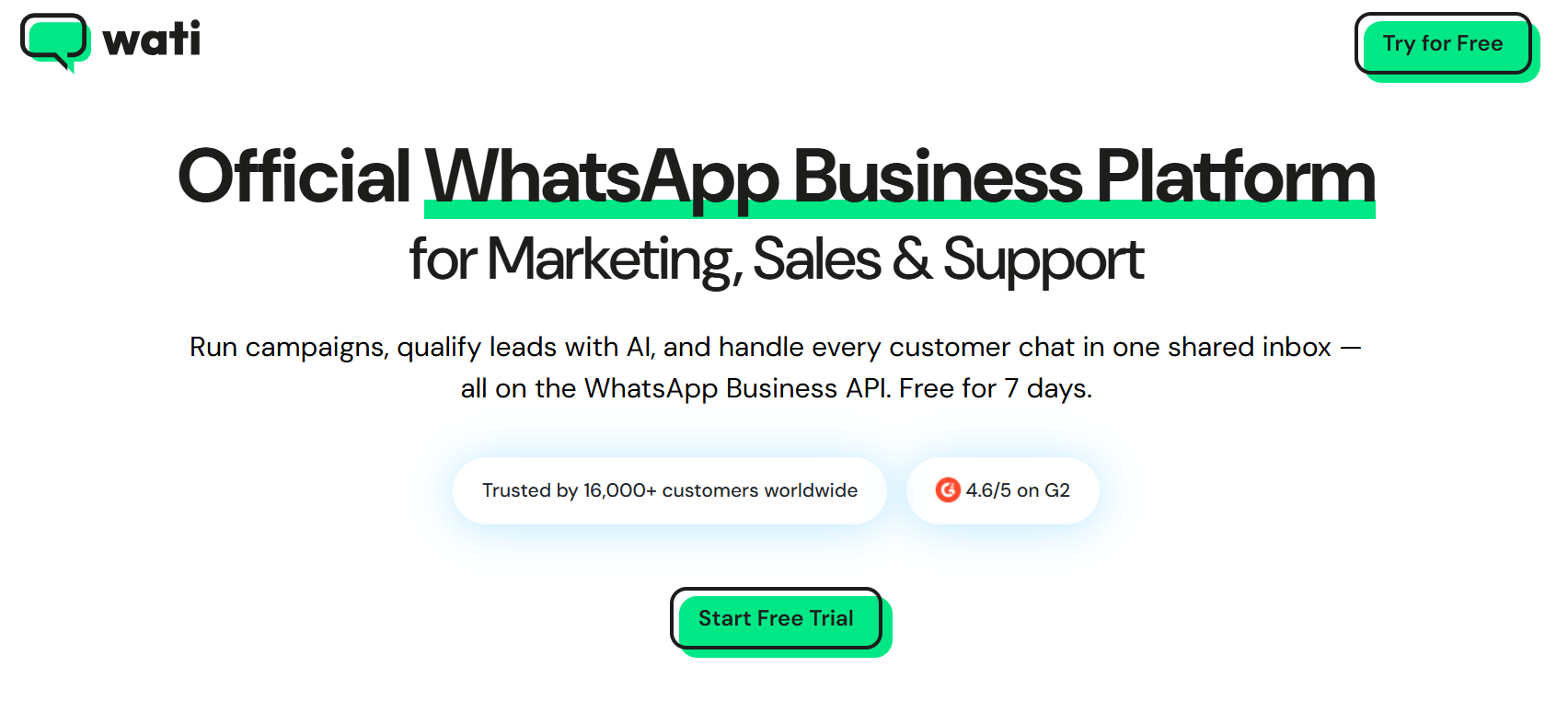
For many small and mid-sized businesses, Wati is the default WhatsApp tool. It is an official BSP and helps with API setup and green-tick verification at no extra fee.
A common Wati setup starts with a click-to-WhatsApp ad. The ad opens a chat, a no-code flow collects the lead’s details, and a team member picks it up in the shared inbox. Later, broadcast campaigns and Shopify cart reminders bring the customer back.
AI comes through Astra, which answers FAQs and handles bookings. Astra is priced separately from the main plan, which starts at about $59 per month on yearly billing. The entry Growth plan also caps the team at three users.
3. Respond.io
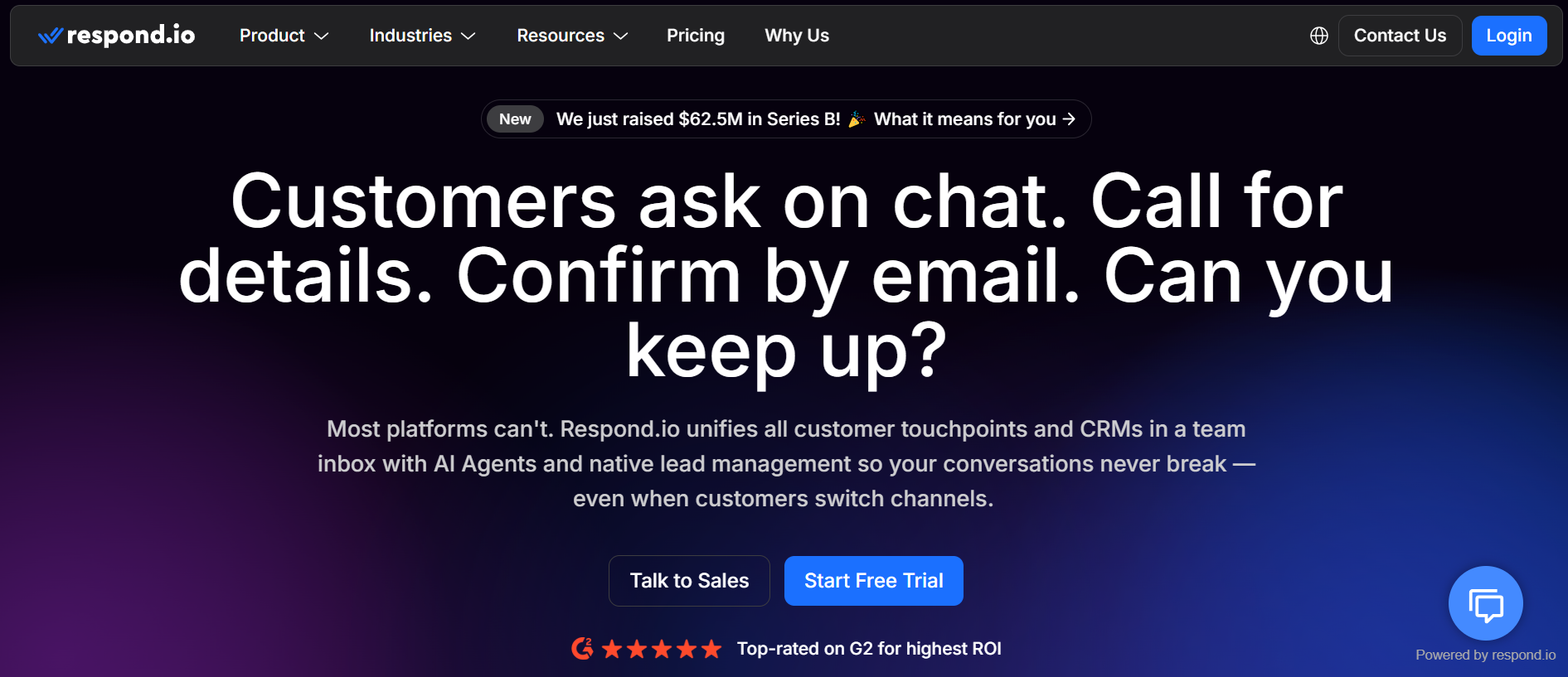
Respond.io organizes everything around teams rather than single bots. Messages from WhatsApp, Instagram, TikTok, email and other channels land in one inbox. Workflows then assign each chat to the right person based on rules like language, region or lead stage. AI agents can answer and qualify before a human steps in, and WhatsApp calling is built in.
Pricing is tied to monthly active contacts. Starter costs $79 per month on an annual plan and Growth costs $159, though AI agents are not part of Starter. Meta’s fees pass through without a markup, which helps high-volume teams. The trade-off is setup time, since routing rules need careful planning.
4. AiSensy
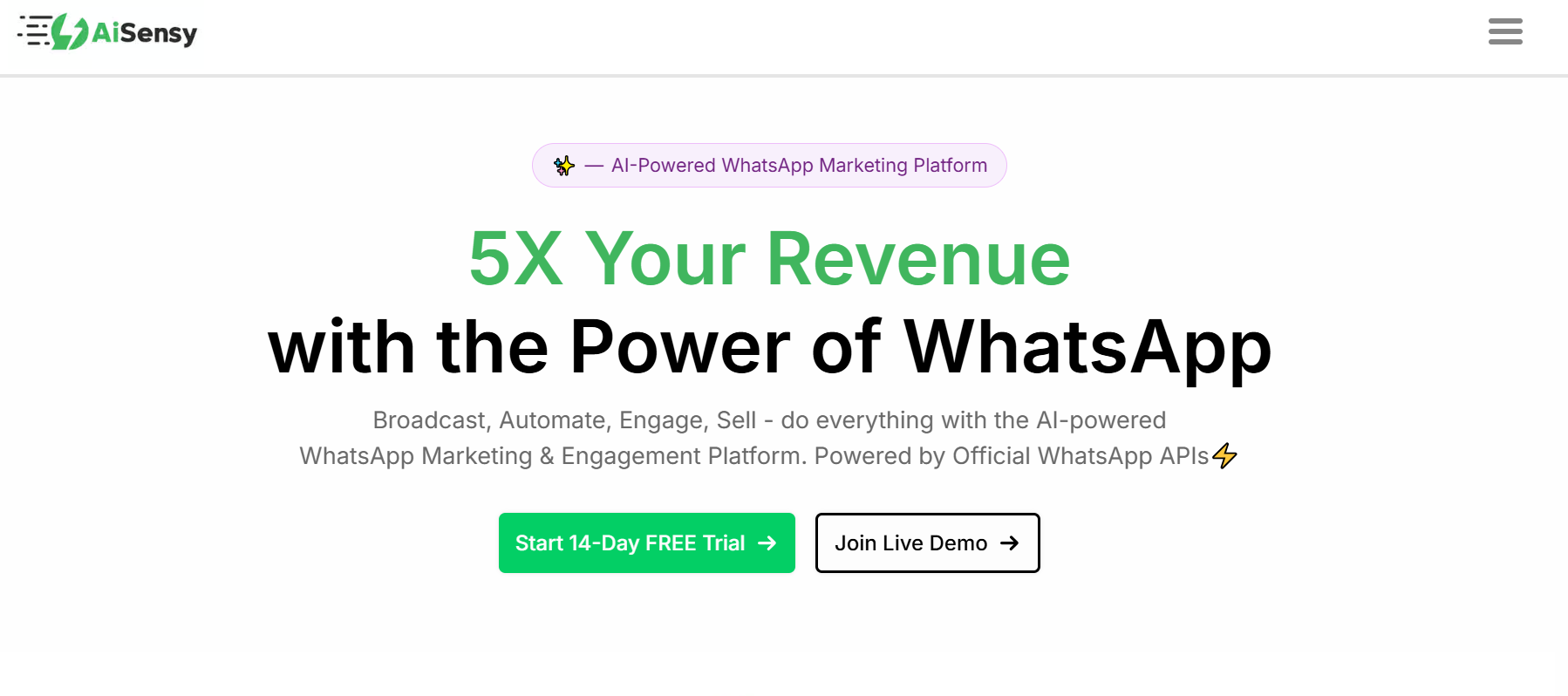
AiSensy is a BSP known for low-cost broadcasting. It offers a free plan, and its strengths are bulk campaigns, retargeting, product catalogs and in-chat payments.
The base plan covers messaging, but chatbots are sold as add-ons. The total cost depends on what you stack:
Base plan: free tier, with paid plans for higher limits
Drag-and-drop flow builder: $80 per month for five bots
AI agent builder: $50 per month for 1,000 AI messages
Meta message fees: paid from a separate prepaid balance
The AI agent supports knowledge base answers and tool calling, though it is lighter than dedicated agent builders.
5. Manychat
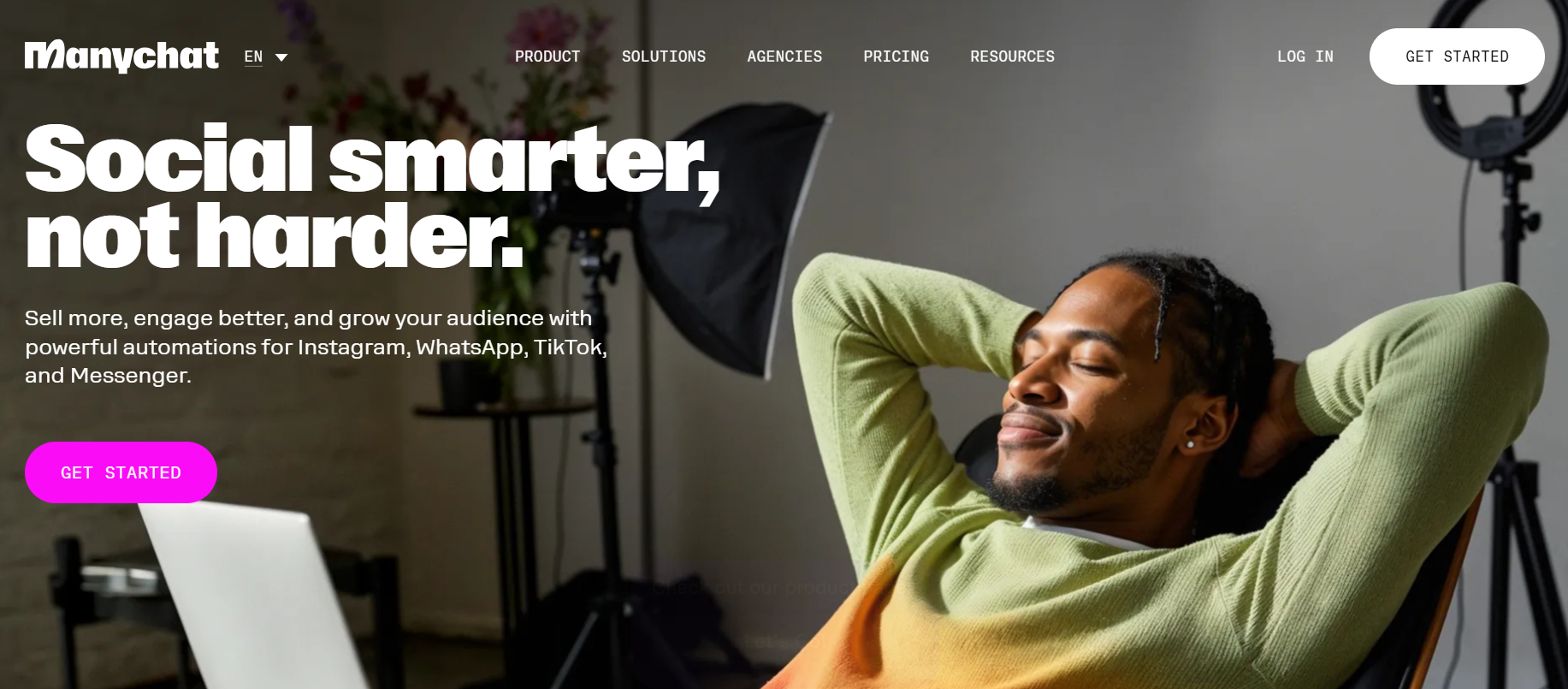
Picture a fitness coach running Instagram ads. A follower comments “PLAN,” receives a free guide by DM, and is then invited to continue on WhatsApp to book a session. That kind of social funnel is where Manychat does its best work.
Its visual builder keeps lead capture simple, and Manychat AI can reply using your business details and tone. WhatsApp starts on the Pro plan at $29 per month billed annually, which covers 2,500 active contacts. The two lower tiers leave WhatsApp out. Detailed support conversations and order lookups are not its strength.
6. Botpress
Botpress gives technical teams more control than almost any other tool here. Developers can write custom logic, call outside APIs, store data in tables and choose the models behind the agent. A visual studio and a natural-language builder exist for less technical users, but the platform rewards people who can code.
Billing is based on conversations, which Botpress defines as any exchange with at least two user messages in a month. The Free plan includes 100 conversations and supports WhatsApp. Plus costs $150 per month on annual billing for 250 conversations and $25 of AI usage, with extra conversations sold in packs of 100.
7. Chatbase
Chatbase is one of the quickest ways to get an agent live. You upload documents or point it at a website, and it builds an agent that answers on web chat, WhatsApp, Messenger and more. It can also run actions such as order lookups and pass chats to a help desk.
Usage is measured in message credits, so do the math early. The $40 Hobby plan includes 700 credits a month. At roughly one credit per reply, a store answering 50 questions a day would run out in about two weeks. That pushes many teams to the $150 Standard plan with 4,000 credits. Removing Chatbase branding costs another $99 per month.
8. Tidio
Online stores often start with Tidio because it places live chat, a help desk and an AI agent called Lyro in one inbox. WhatsApp, Instagram and Messenger connect on every plan. Lyro answers from your FAQs and website, and the Growth plan adds native Shopify actions.
Pricing comes in two parts. Starter costs $24.17 per month when paid yearly and covers 100 conversations handled by your team. Lyro is billed separately, from $32.50 per month for 50 AI conversations, so stores with steady volume should price both parts together.
9. Gupshup
Gupshup sits at the enterprise end of the market. It is a long-standing BSP and conversational AI platform used by large brands, with APIs for WhatsApp, SMS and RCS.
Its self-serve WhatsApp pricing is unusually transparent: a flat $0.001 platform fee per message on top of Meta’s rates. AI agent features and enterprise plans need a sales call, and most deployments involve developers. For a small business, that is more platform than the job requires.
WhatsApp AI Chatbot Platforms Comparison Table
What a WhatsApp Chatbot Really Costs
Every WhatsApp chatbot carries two bills: the platform plan and Meta’s per-message fees. Depending on the tool, you pay Meta through the platform or through your own Meta account.
Take a store whose bot sends 5,000 service replies in a month. The first 1,000 are free. At a local rate of $0.01 per message, the other 4,000 add $40. On top of that come the platform plan and any AI usage charges.
The platform side varies just as much. Vendors in this guide charge per seat, per active contact, per conversation or per message credit, and these chatbot pricing models behave very differently once volume grows.
A few habits keep the Meta side in check:
Use click-to-WhatsApp ads, which open a 72-hour free entry window.
Keep promotional wording out of utility templates, or Meta may bill them as marketing.
Track the average number of bot replies per conversation, since that figure now drives part of your bill.
Matching a Platform to Your Business
If WhatsApp is mainly a marketing channel for you, start with Wati or AiSensy, since broadcasts and templates are their core. Manychat fits when WhatsApp sits at the end of an Instagram funnel built for AI lead generation services.
If WhatsApp is mostly a support channel, answer quality matters most. Chatbase gets a content-trained agent live quickly, Tidio suits stores already on Shopify, and Botpress fits teams with developers who want custom logic.
Larger teams juggling many channels tend to prefer Respond.io for its routing, while Gupshup suits companies sending enterprise volume. Agencies running bots for several clients need sub-accounts, branding and billing control, which is the case Stammer AI targets.
Frequently Asked Questions
Can I keep using the WhatsApp Business app after adding a chatbot?
Often, yes. Meta’s coexistence option lets one number stay active on the Business app while it is also connected to the API through a supported provider. Confirm your platform supports it first.
Is there a free WhatsApp AI chatbot?
A few platforms have free tiers. Botpress includes 100 conversations a month with WhatsApp, and AiSensy has a free plan with chatbots sold as add-ons. Meta’s message fees still apply once your free allowance runs out.
How much does a WhatsApp AI chatbot cost per month?
Most small and mid-sized teams spend between $30 and $300 a month on the platform, depending on volume and AI features. Meta’s per-message fees come on top and vary by the customer’s country.
Can a WhatsApp AI chatbot reply in multiple languages?
Most AI chatbots reply in the customer’s language automatically. Template messages are different, because each language version needs its own approval from Meta before you can send it.
How long does it take to set up a WhatsApp AI chatbot?
Training a bot on your website and documents can take less than an hour. Meta Business verification and number approval usually take longer, sometimes several days, so start that step first.
Can agencies white-label WhatsApp AI chatbots?
Yes. Stammer AI offers sub-accounts, custom branding and agency-set pricing on its Pro plan. Chatbase includes white-labeling on Enterprise, and Botpress allows a white-label web chat widget.
Final Thoughts
WhatsApp has become both a sales channel and a running cost, and the platforms in this guide handle that balance in different ways. Broadcast-first BSPs suit campaign-heavy teams, while agent builders suit businesses that rely on answer quality. Whichever tool you pick, review your conversation logs and Meta invoice after the first month of live traffic. Those two numbers show whether the bot is resolving questions at a cost that makes sense.